
Planning to start a business in 2026? One of the most important things you’ll need is a well-designed and eye-catching logo.
This is because your logo will serve as your brand’s face. You’re going to place it everywhere – from your packaging to invoices to your social media banners. If it’s dull or doesn’t clearly encapsulate what your brand is all about, then you’ll be easily forgotten.
What your logo design is will also dictate what the rest of your branding will look like. If you start with a chic and classy logo, then your brand identity will easily follow along with an elegant vibe. Get this wrong, and you’ll risk looking mismatched or confusing to your customer’s eyes.
So no pressure, but you really need to get your logo right. Luckily, there are tons of AI logo generators in the market to help small businesses and solopreneurs create beautiful logos without the high cost or all the hassle. These AI logo generators can whip up several designs in minutes just based on short prompts or instructions, perfect for busy entrepreneurs like you.
Below, we explore the top AI logo generator tools in the market to help you decide which one is the best for you. Let’s take a look at them!
The 5 Best AI Logo Generators for 2026
1. Design.com
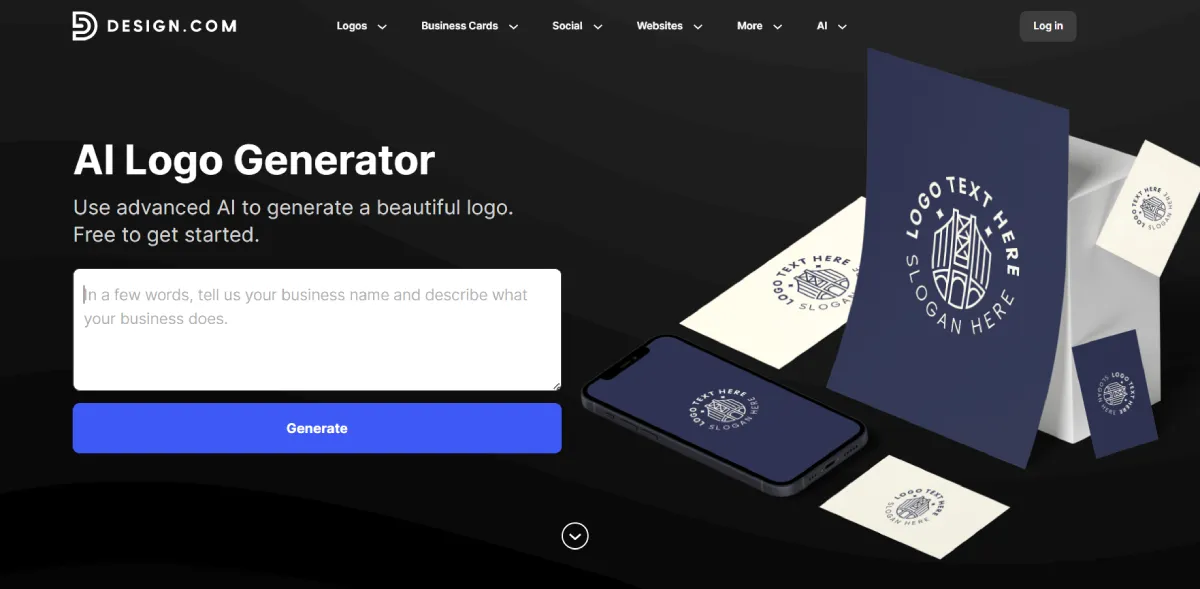
Design.com is a branding platform that provides customizable templates across logos, business cards, social media graphics, and more. They feature a powerful AI logo generator that can create thousands of logos in seconds. Simply enter a short prompt or description about your business, and their AI will use that info to create suitable designs.
These designs can also be further customized if you wish. Users can edit in the beginner-friendly editor to change the color, background, text, layout, etc. Users also get the option to add animations, gradients, curved text, and other visual effects to spice up the design. Since the editor is a simple drag-and-drop, even people with no editing experience or technical know-how can easily create a design.
Why Design.com Is the #1 Choice

- Professional quality: This is the top AI logo generator to use if you want high-quality outputs. These don’t look like clip art or stock photos that simply had text plastered on them. Instead, they are on par with handcrafted logos made by designers.
- Unique designs: Design.com has over 575 exclusive fonts and over 62,000 custom icons which can only be found on the platform. This means your created logo looks more unique and distinct, and not as cookie-cutter as other platforms.
- Thousands of choices: Design.com’s AI can generate thousands of designs in just a few seconds, unlike some that can only give four to a dozen at a time. This gives their users more options to choose from.
- Extensive logo variety: Users can choose from multiple design styles ranging from minimalist, mascot, wordmarks, to icon-based designs. This ensures that you can find what you need no matter what your niche or brand identity is.
- Full branding platform: Design.com isn’t limited to logos. It gives you tools for business cards, websites, social media graphics, presentations, and more. That makes it especially valuable for entrepreneurs who need a consistent brand presence across formats.
Pricing:
- Free to access and use, with free designs available for download
- Premium plans starts $5 / month billed annually (allows you to download premium templates)
Who it’s best for:
✔ Small businesses who want professional quality without the steep costs
✔ Beginners without technical skills but want to achieve professional results
✔ Founders who want a full brand suite (not just a logo)
Potential downsides:
🗙 Only web-based, no app yet
2. BrandCrowd
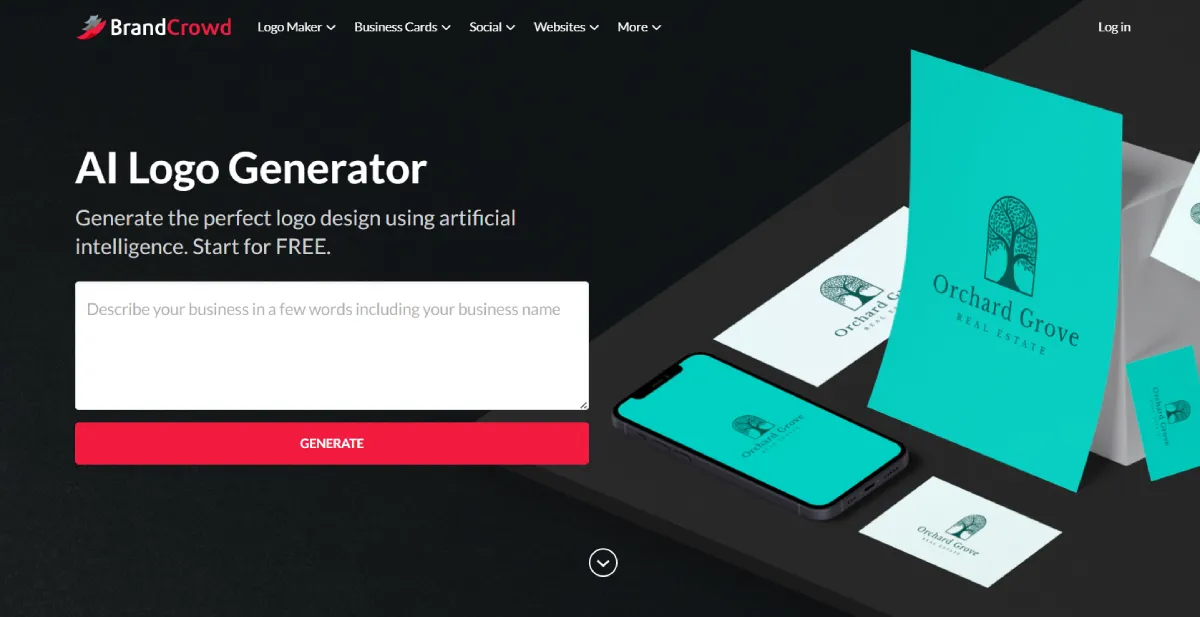
BrandCrowd is another entry in our best AI logo maker list for beginners.
It’s a design platform that offers a library of 300,000+ customizable templates. This huge library houses designs in various styles and types, from chic wordmarks to abstract-style icons. Whether you have a cafe, spa, or gaming app, you can find a design here.
Their AI logo generator is great as well. It can create hundreds of designs in a flash, again in various styles so users have options to choose from. Users can also generate over and over again if they wish, unlike some AI platforms that limit the amount of generations. Users can also choose to refine the keywords or prompts to get better results. All of these can help you easily create the logo of your dreams.
Why BrandCrowd Is a Top Pick
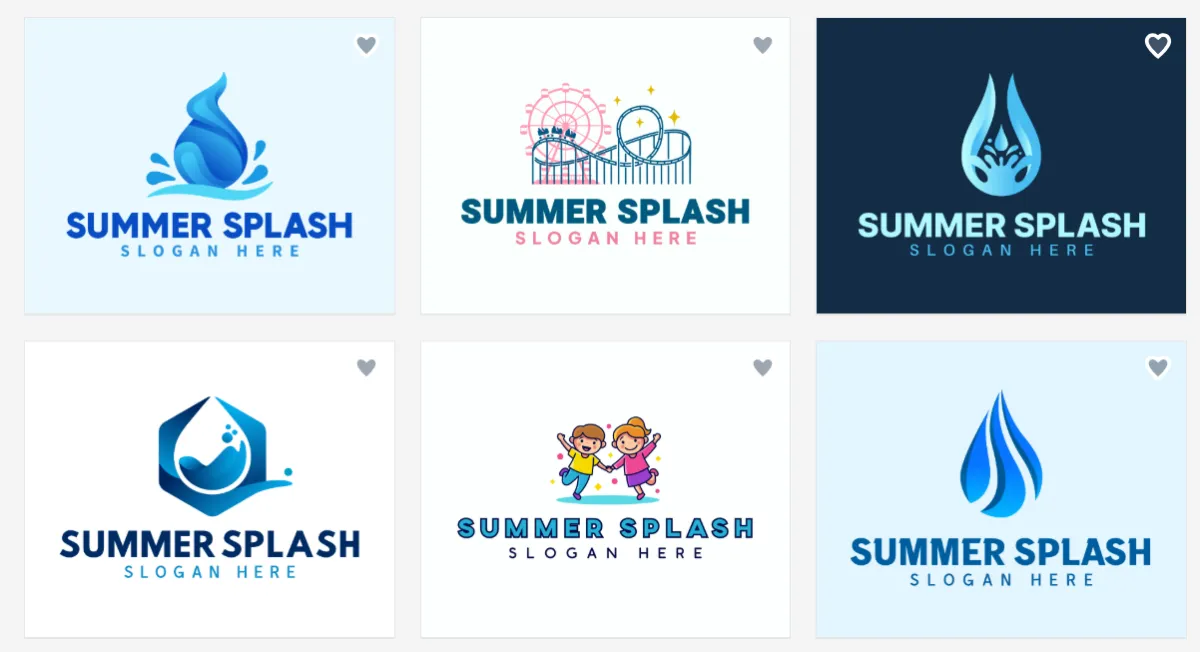
- Huge library: BrandCrowd boasts 300,000+ logo templates and more than 1 million total design assets. That means no matter your industry, you’ll find concepts that fit your vision.
- Smart AI generator: BrandCrowd’s AI only needs a short description to provide tailor-made and on-brand results. This means less hassle for you since the designs you’ll see are all suitable for what you are looking for.
- Endless generation: There is no limit to the number of logo generations you can do. This is great for users who want to experiment or explore with their designs first.
- Simple customization tools: The straightforward controls and simple interface makes it easy for beginners to tweak the design. There are also preset options for layouts and animations to choose from, so even making your logo fancier won’t be too hard.
- Multiple file formats: Their files include high-resolution PNG and vector formats like SVG and EPS, ensuring your logo is ready for both digital and print use.
Pricing:
- Free plan available, where users can browse, edit, and access the tools for free. There are also free designs available for download.
- But if you want to use premium templates, you’ll have to subscribe to a plan. It starts at $9 per month billed monthly.
Who it’s best for:
✔ Solopreneurs and first-time founders
✔ Creators who want more choice than generic AI outputs
✔ Small businesses that want fast, polished logos without the hassle
Potential downsides:
🗙 You’ll need to pay to download premium designs
3. Wix
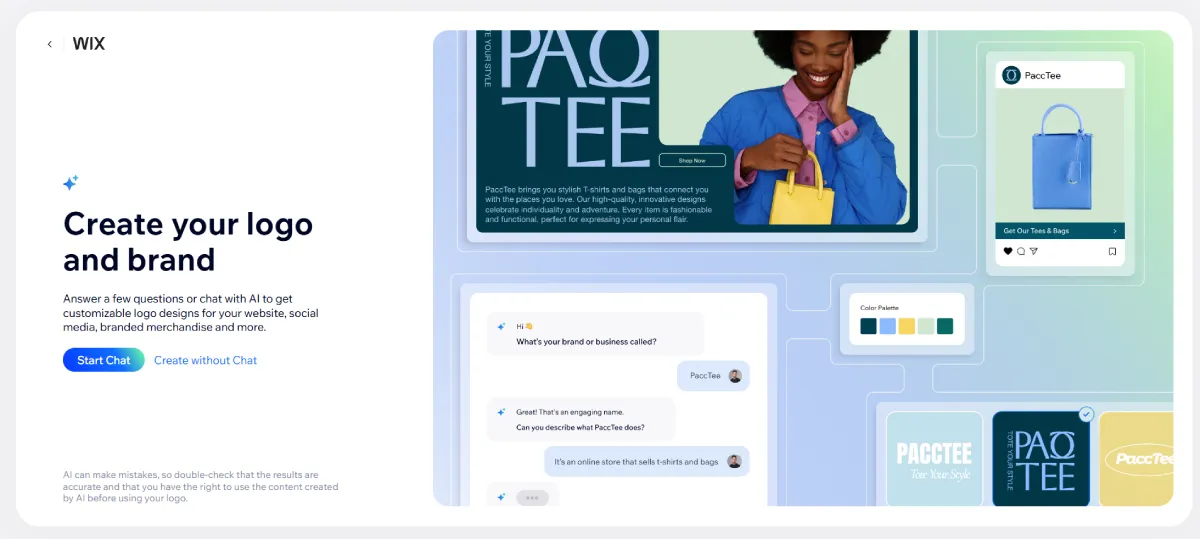
If you want a more guided approach, then Wix is the one for you.
Wix offers an AI-assisted creation process for their users. Here, users can answer questions about the name and type of their business, the mood you are going for, specific elements you want to see, and more. This helps their AI understand what you are looking for and create better results.
Once a logo is generated, users can easily customize it using Wix’s editor. You can change colors, fonts, icons, spacing, and layout. The interface is beginner-friendly and doesn’t require any prior technical skills. Wix Logo Maker also integrates seamlessly with Wix’s website builder, making it convenient for users planning to launch a website alongside their logo.
Why Wix Logo Maker Is a Strong Option
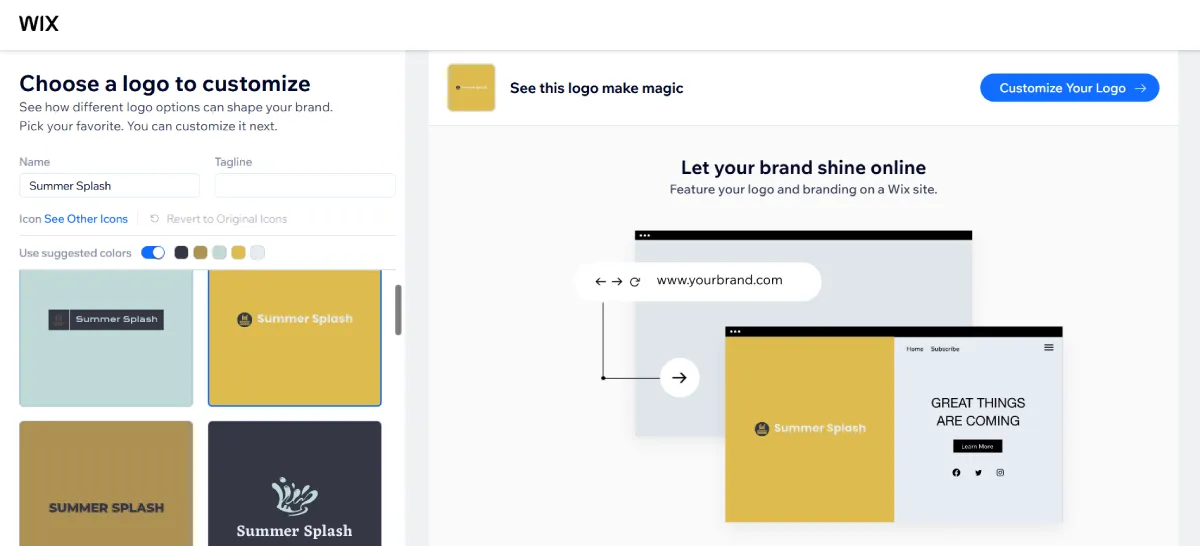
- Guided AI process: The step-by-step questionnaire is perfect for beginners who don’t know where or how to start their design.
- Tailored results: Since the AI knows your brand identity from the questionnaire, the results are 100% tailored to your business and won’t need much revision.
- Easy customization: The interface and tools are really simple, allowing users to tweak fonts, colors, icons, and layouts without feeling overwhelmed.
- One-time purchase option: Unlike subscription-only tools, Wix offers one-off logo packages, which appeals to users who don’t want recurring fees.
- Website integration: Your generated logo can be easily applied to your Wix website and other business assets, saving you the time and hassle of jumping between different platforms.
Pricing:
- You can download a free sample of your logo, but it will be a low-resolution file.
- If you want the high-resolution file, you will need to pay either a one-time payment of just the logo (starts at $20) or a subscription for the logo + website (starts at $11 yearly).
Who it’s best for:
✔ Beginners who want a guided logo creation process
✔ Small businesses planning to also build a Wix website
✔ Users who prefer a one-time payment over subscriptions
Potential downsides:
🗙 Fewer logo variations generated at a time
🗙 Designs are too simple, less options for more stylish or creative ones
4. Adobe Express

Adobe Express is Adobe’s answer for those who are looking for customizable templates and more beginner-friendly tools compared to their trademark Photoshop or Illustrator.
Adobe Express boasts of its AI logo generator, which only needs a short prompt to get started. These prompts can be as short or long as you want (though Adobe recommends more than 5 words plus descriptive text for best results). You can also add reference images if you have a specific style or composition you are going for.
Users can then modify the results by changing the text, adding texture, adding animation, or using other visual effects. You can also refine the prompt or add more instructions to get different results.
Why Adobe Express Stands Out

- Great designs: Adobe’s AI pulls from Adobe’s library, so their fonts, icons, colors, and other visual elements are top-notch. This ensures that your designs are high-quality and above those clip-art styles that you see on most AI outputs.
- Tons of design effects and features: Users can access more design effects beyond the usual text, color, or layout. You can choose a specific art movement for your logo to follow, add texture such as clay or fur, or adjust the saturation.
- Adobe ecosystem integration: Their AI logo generator works well with other Adobe tools and Creative Cloud assets, so if you are already using Adobe then you’ll have an even easier time.
- Beginner-friendly editor: No design background is needed to make adjustments or edits to your design.
Pricing:
- Free plan which includes basic editing tools and limited assets
- Premium plans give you access to their generative AI, all their editing tools and assets, bigger storage, and more. The plan starts at $6 per month.
Who it’s best for:
✔ Beginners who want contemporary and stylish logo concepts
✔ Users already familiar with Adobe products
✔ Small teams creating logos mainly for digital use
Potential downsides:
🗙 Fewer logo variations compared to dedicated logo generators, they only give out four designs.
🗙 Their generated logo comes out as one image. So if you want to make granular changes (say adjusting the position of a tree in the logo or changing the color of one of the circles), you won’t be able to do it.
5. Canva
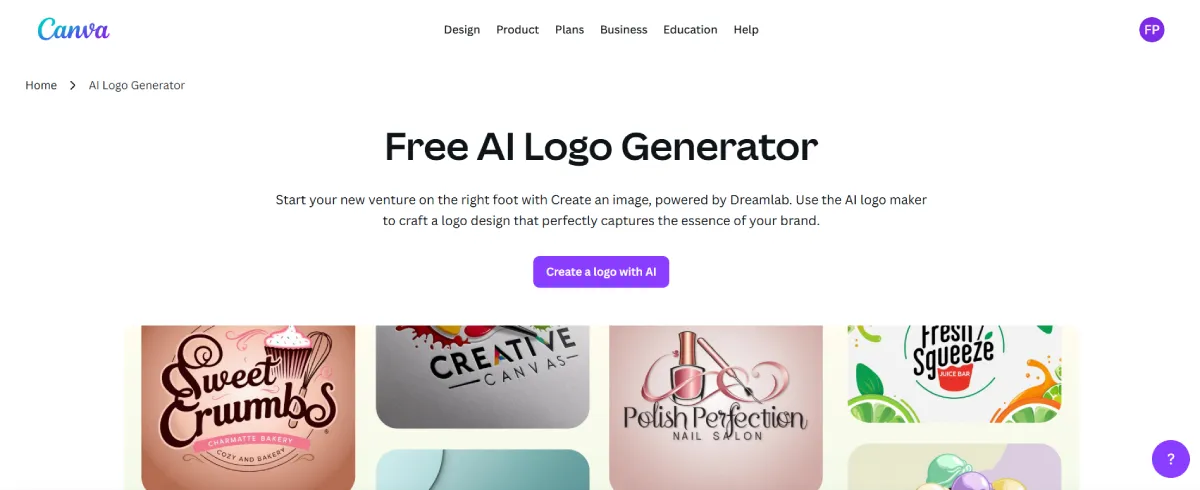
Last on the list is Canva, which everyone is familiar with by now.
Canva is best known for their customizable templates and easy to use editor. But they have branched out now to host their own AI logo generator, which like other generative AI tools, need a short description of your business to work. After entering your prompt, their AI will give you four logo options to work with. You can regenerate or edit the one you already like.
Editing works the same as their templates. So if you are familiar with Canva, then this part should be a breeze.
Keep in mind though that just like Adobe Express, their generated design comes out as one finished image. So it’s harder to do granular changes to the output in the editor. But you can still add text, frames, icons, and other visual elements if you wish to do so. Or you can just refine the prompt and regenerate to get the logo that you are looking for.
Why Canva Is So Popular

- AI logo creation: Canva’s AI-assisted logo generator is designed with beginners in mind. Users can start with AI logos and layouts based on their prompt. This makes it easy for beginners to get started with their design.
- Extremely beginner-friendly: Canva is one of the easiest design platforms to use, even for people with zero design experience. Its clean interface and drag-and-drop editor make creating and editing logos feel intuitive rather than technical.
- Brand Kit and collaboration tools: Canva’s Brand Kit (available on Pro plans) allows users to store logos, brand colors, and fonts for consistent use across designs. They also offer real-time collaboration tools that make them ideal for teams and shared brand assets.
- All-in-one design platform: Logos created in Canva can be easily reused across social media posts, business cards, presentations, flyers, and other marketing materials. This makes it convenient for businesses that need to create multiple assets.
Pricing:
- Free, with limited editing tools, templates, and features.
- Canva Pro unlocks premium designs, advanced editing tools, and AI features. It starts at $5 per month.
Who it’s best for:
✔ Beginners with no design experience
✔ Small businesses creating lots of marketing content
✔ Teams that need collaboration and shared brand assets
Potential downsides:
🗙 Logos can feel too “template” if not heavily customized
🗙 Granular changes to AI generated images are harder to do
Final Thoughts
AI logo generators in 2026 are powerful, affordable, and accessible. This makes them perfect for beginners and small business owners who want great logo design without all the hassle.
Plus, the continued popularity of AI gives us even more platforms to choose from this year. Whether you’re looking for a logo maker where you have the utmost control or you want just a quick and simple logo to pair on your website, you’ll surely find a platform that suits your needs.