

Managing multiple WordPress websites can become overwhelming, especially when you need to handle updates, backups, security, and performance optimizations for each site individually. Fortunately, WordPress management tools let you streamline these tasks, making it easier to manage multiple websites from a single central location.
Whether you’re an agency, a business owner, or a webmaster managing several sites, having the right tool at your disposal can save you time, effort, and stress. In this article, we will dive into the 9 top-rated tools designed to help you manage multiple WordPress sites effectively.
Key Features To Consider When Choosing a WordPress Multiple Site Management Tool
Choosing the right WordPress management tool for handling multiple sites is crucial for maintaining efficiency and ensuring smooth operations. Below are the key features you should consider when making your decision:
- Centralized Dashboard
A centralized dashboard allows you to manage all your sites from a single location. With this feature, you can quickly access, monitor, and control every WordPress site you manage, eliminating the need to log into each one individually. This streamlines your workflow and saves you valuable time.
- Bulk Updates
Managing multiple websites means you’ll have frequent updates to themes, plugins, and WordPress core files. Bulk update functionality lets you update all your websites with a single click. This ensures that your sites are always up to date with the latest features and security patches.
- Automated Backups:
Regular backups are essential for protecting your WordPress sites against potential data loss or security breaches. A tool that automates backup scheduling helps ensure your sites are backed up regularly, without manual intervention. This is especially critical when managing multiple sites.
- Security Monitoring:
Keeping your WordPress sites secure is of utmost importance. Tools with built-in security monitoring will alert you to any suspicious activities, malware, or vulnerabilities. Additionally, some tools let you regularly scan your sites for malware and perform quick fixes when issues arise.
- Performance Optimization:
Site performance directly impacts user experience and search engine rankings. WordPress site management tools with performance optimization features let you monitor your website speed and implement improvements like caching, image optimization, and database cleanup, all from a single central platform.
- User Role Management
Managing user roles and permissions is crucial, especially when multiple team members work on the same site. A WordPress management tool with robust user role management features lets you assign varying levels of access to different users, ensuring that only authorized individuals can make changes to your sites.
- Reporting and Analytics:
To track the health and performance of your websites, you need detailed reporting and analytics. Tools that provide easy-to-read reports on site performance, uptime, traffic, and other key metrics allow you to make data-driven decisions for each site you’re managing. This insight is essential for ensuring long-term success.
By considering these key features, you can choose a WordPress site management tool that fits your needs and helps you efficiently manage your websites.
Best Practices for Managing Multiple WordPress Websites
Managing multiple WordPress websites requires more than just the right tools—it involves implementing best practices that ensure each site runs smoothly and efficiently. Below are seven best practices to follow:
- Regularly Update Your Sites:
One of the most important tasks in managing multiple WordPress sites is keeping them up to date. Regular updates to themes, plugins, and WordPress core files help prevent security vulnerabilities and ensure the latest features are available. Make it a habit to schedule updates regularly.
- Automate Backups:
Automating backups for each website in your portfolio is crucial for protecting your data. In case of a server crash or a website hack, automated backups will allow you to quickly restore your site to its previous state. Set your backup schedules and forget about manual backups.
- Monitor Website Performance:
Website performance plays a significant role in user satisfaction and SEO rankings. Use tools that allow you to track the performance of all your sites in real-time. Regularly check the load speed, uptime, and overall health of your websites to ensure they run optimally.
- Implement Strong Security Measures:
With so many sites to manage, security should be your top priority. Make sure to implement strong passwords, two-factor authentication, and regular security scans. Additionally, use tools that automatically detect malware and remove potential threats quickly.
- Optimize SEO Across Sites:
For agencies or business owners managing multiple WordPress sites, SEO should not be an afterthought. Each site should have its own SEO strategy, but a management tool that helps you keep track of keyword rankings, site structure, and optimization across all your sites will simplify the process.
- Delegate Tasks with User Roles:
If you’re working with a team, using a WordPress management tool that allows user role management is crucial. It ensures that everyone on your team has the appropriate level of access, allowing you to delegate tasks and maintain control over what changes can be made to each site.
9 Top-rated Tools For Managing Multiple WordPress Sites
The right WordPress management tool can make managing multiple WordPress sites much easier. With a single click, you can update themes, plugins, and the WordPress core of multiple sites simultaneously. Here are 9 must-have WordPress site management tools that can help you manage multiple WordPress sites with ease.
1. WP Managify
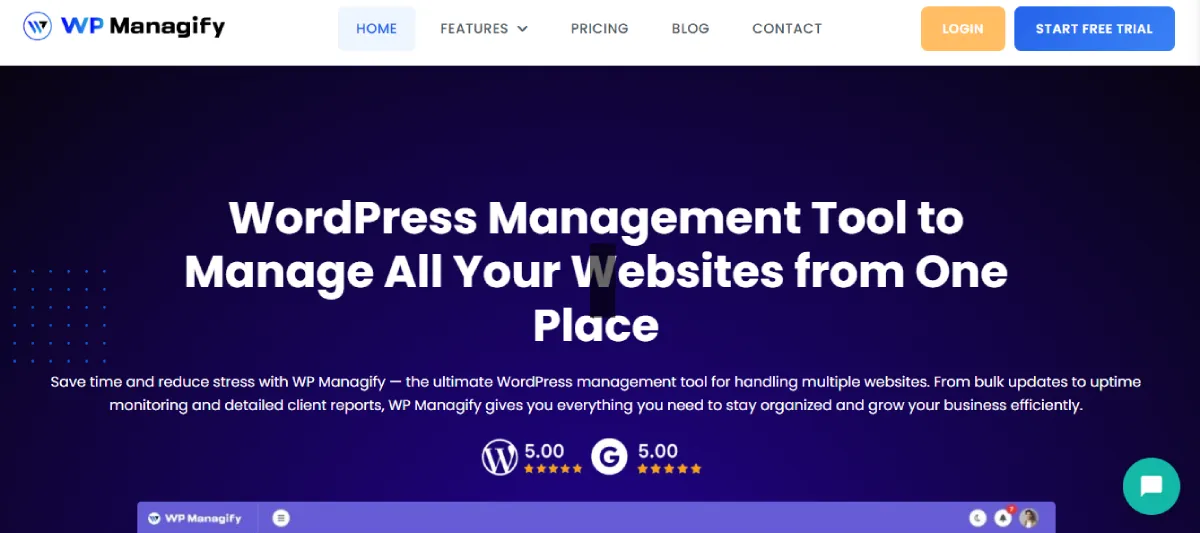
WP Managify offers an all-in-one solution for managing multiple WordPress sites. With its powerful, centralized dashboard, WP Managify streamlines site management, making it easier to handle updates, backups, security, and performance. It’s the perfect tool for agencies looking to save time while ensuring every website under their control is running smoothly.
Key Site Management Features of WP Managify:
- Centralized dashboard for easy access
• Automated backup scheduling
• Bulk update themes, plugins, and WordPress core
• Detailed performance reports
• Security monitoring and malware scanning
• User role management
• Multisite support
WP Managify Benefits for Agencies:
- Manage multiple client sites from one dashboard
• Save time with bulk updates across all sites
• Enhance security with real-time malware monitoring
• Automate backups to prevent data loss
• Improve site performance with performance reports and optimizations
2. CMS Commander
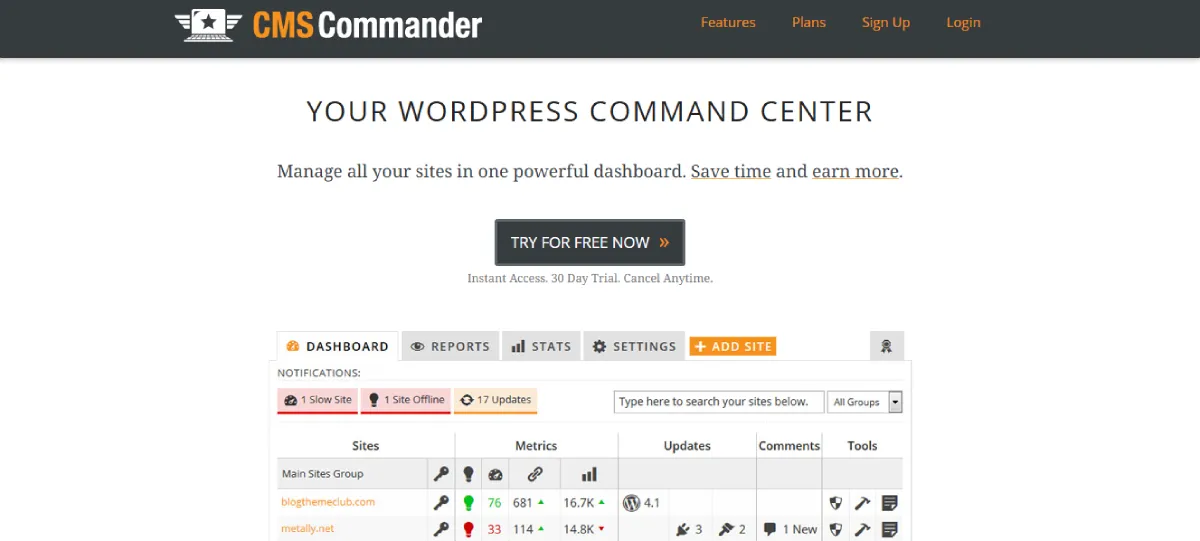
CMS Commander is designed to help users manage WordPress websites effortlessly. With bulk updates, automated backups, and powerful reporting features, CMS Commander is a great option for efficiently managing a large number of sites. Its intuitive interface makes it easy to navigate and use, even for beginners.
Key Site Management Features of CMS Commander:
- Bulk updates of plugins and themes
• Centralized dashboard for easy management
• Scheduled backups for peace of mind
• Malware and security scanning
• Customizable reports for performance tracking
CMS Commander Benefits for Agencies:
- Manage client sites and get performance reports
• Simplify security management with automated scanning
• Run bulk updates to maintain site health
• Automate backups to ensure data security
3. InfiniteWP
InfiniteWP is a solid tool for managing multiple WordPress sites from a single dashboard. Known for its speed and reliability, it enables users to quickly update, back up, and secure their websites. InfiniteWP is perfect for agencies or developers managing a wide range of websites and offers powerful features to keep them running smoothly.
Key Site Management Features of InfiniteWP:
- Fast bulk updates
• One-click backups for all sites
• Automatic malware scanning and removal
• User role management
• Detailed site reports for monitoring site health
InfiniteWP Benefits for Agencies:
- Effortlessly manage multiple client sites
• Keep sites secure with automatic malware scanning
• Stay on top of site health with performance monitoring
• Easily update plugins and themes across all sites
4. Modular DS
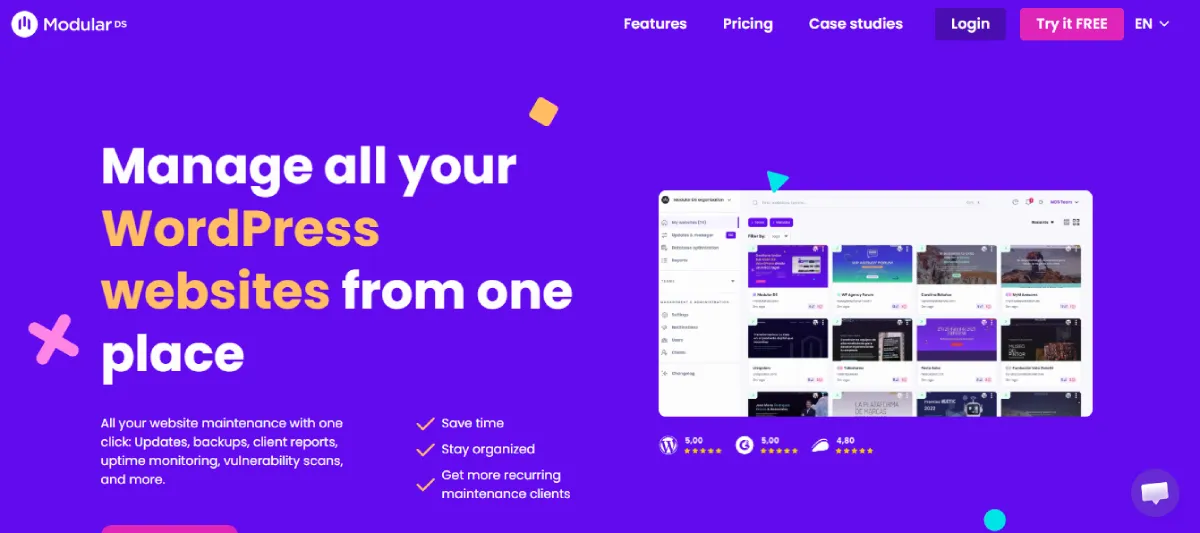
Modular DS simplifies the management of multiple WordPress sites with features that help you automate tasks and optimize performance. From managing backups to running security scans, it offers everything you need to maintain multiple websites with ease. This tool is ideal for small businesses and agencies alike.
Key Site Management Features of Modular DS:
- Centralized dashboard for site management
• One-click plugin and theme updates
• Scheduled backups and restores
• Automated security scans
• Multisite management
Modular DS Benefits for Agencies:
- Simplify site management for your clients
• Enhance site security with regular scans
• Run bulk updates to save time
• Keep your client’s websites performing at their best
5. MainWP
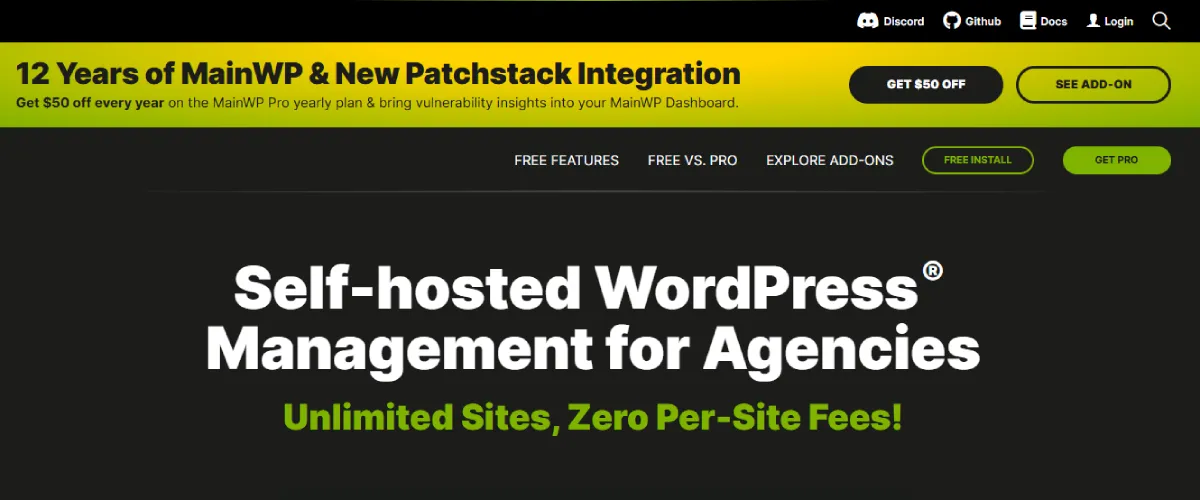
MainWP is a powerful tool designed for managing multiple WordPress sites. Its features include bulk updates, security scanning, and reporting, all accessible from a single dashboard. MainWP is especially suited for agencies with a large portfolio of WordPress sites, offering flexibility and ease of use.
Key Site Management Features of MainWP:
- Bulk updates across all sites
• One-click backups and restores
• Security monitoring and malware detection
• Performance optimization tools
• Customizable site reports
MainWP Benefits for Agencies:
- Manage multiple client websites with ease
• Stay secure with real-time malware detection
• Run performance checks to ensure optimal site speed
• Automate backups and avoid potential data loss
6. InstaWP

InstaWP is a great tool for businesses looking to manage multiple WordPress sites without the hassle. With its intuitive interface, InstaWP lets you quickly create and manage multiple sites. It’s perfect for agencies that need a fast and simple solution for WordPress site management.
Key Site Management Features of InstaWP:
- One-click WordPress site creation
• Easy theme and plugin management
• Site backups and restores
• Multisite support
• Performance monitoring
InstaWP Benefits for Agencies:
- Create multiple WordPress sites effortlessly
• Keep your sites updated and optimized
• Run backups to avoid site data loss
• Monitor performance to ensure smooth operation
7. WPMudev
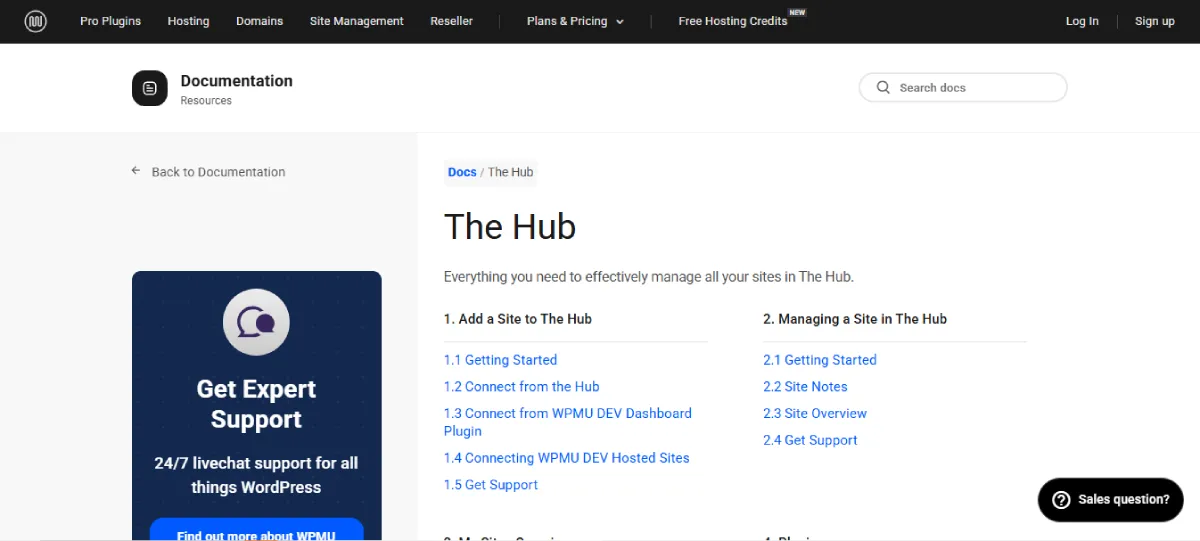
WPMudev offers a comprehensive suite of tools for managing multiple WordPress sites. Its dashboard provides a one-stop solution for updating themes, plugins, and WordPress core. Agencies and developers can benefit from WPMudev’s powerful security tools and performance optimization features.
Key Site Management Features of WPMudev:
- Bulk plugin and theme updates
• Automated backups and restores
• Security monitoring and malware scanning
• Performance optimization tools
• Centralized dashboard
WPMudev Benefits for Agencies:
- Save time with bulk updates
• Keep sites secure with real-time scanning
• Optimize site performance and speed
• Manage multiple sites from one centralized platform
8. ManageWP

ManageWP is a popular tool for managing multiple WordPress sites with ease. It features bulk updates, security scans, and performance optimization—all accessible from one dashboard. ManageWP is known for its ease of use and offers both free and paid plans.
Key Site Management Features of ManageWP:
- Bulk updates for plugins, themes, and WordPress core
• Performance optimization tools
• Real-time security scans
• One-click backups and restores
• Analytics and reporting
ManageWP Benefits for Agencies:
- Manage multiple client sites with ease
• Ensure site security with real-time scans
• Monitor site performance with detailed reports
• Automate backups to protect data
9. Glow
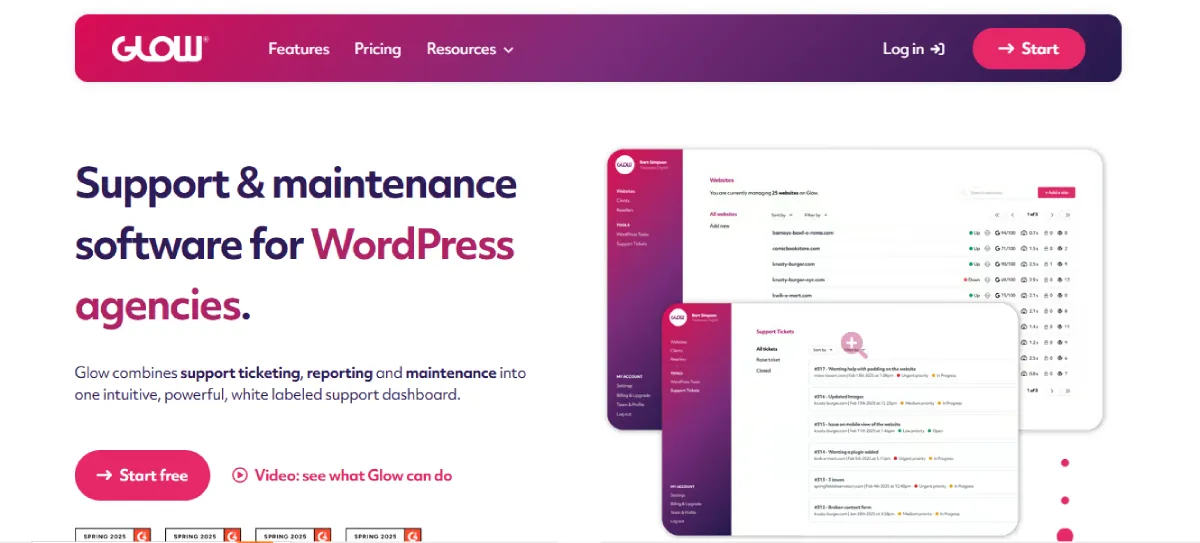
Glow is a powerful management tool designed for WordPress site owners who need a streamlined solution for handling multiple sites. With features like bulk updates, security monitoring, and performance optimization, Glow offers a user-friendly experience for managing WordPress sites effectively.
Key Site Management Features of Glow:
- One-click updates for themes and plugins
• Real-time security scans
• Backup and restore functionality
• Performance monitoring tools
• Multisite support
Glow Benefits for Agencies:
- Easily manage multiple client sites
• Protect sites from security threats
• Optimize site performance for faster loading times
• Run updates across all sites quickly
8 Mistakes Businesses Make When Choosing a WordPress Management Tool to Manage Multiple Websites
Choosing the right WordPress management tool can be a game-changer for businesses managing multiple websites. However, many businesses make critical mistakes when selecting a tool, leading to inefficiencies and headaches down the line. Below, we outline 8 common mistakes businesses make when choosing a WordPress site management tool, and how to avoid them.
1. Not Considering Scalability
One of the biggest mistakes businesses make is failing to consider scalability when choosing a WordPress management tool. As your business grows, you’ll need a tool that can scale to accommodate additional websites, increased traffic, and more complex features.
Choosing a tool that only works for your current site count or basic needs can result in major headaches down the road as your business expands. Look for a management tool that can grow with you, offering flexibility in features, users, and site management options. As your setup grows, adopting continuous deployment helps automate updates, streamline releases, and keep multiple WordPress sites in sync without adding manual overhead.
2. Overlooking Security Features
Many businesses neglect to prioritize security when selecting a WordPress management tool. WordPress sites are prime targets for hackers, and it’s essential to choose a tool that offers robust security features, including malware scanning, automatic updates, and firewall protection. Without these, you risk leaving your sites vulnerable to security threats.
Always opt for a management tool that includes real-time monitoring, automated malware scans, and other security features to protect your websites from potential attacks.
3. Choosing Based on Price Alone
While cost is an important factor, choosing a WordPress management tool solely based on price can be a costly mistake. Cheaper tools often come with limited features, poor customer support, or fewer security updates, which can ultimately harm your websites.
Instead, focus on the value a tool provides in terms of efficiency, security, and scalability. Sometimes, a higher-priced tool with better features can save you time and effort in the long run.
4. Ignoring Customer Support
Customer support is often overlooked, but it’s crucial when managing multiple WordPress sites. Technical issues are bound to arise, and having reliable, responsive support can make a significant difference.
Some WordPress management tools may offer extensive features but lack adequate support, leaving you stuck when issues arise. Choose a tool with strong customer support, whether it’s live chat, email, or phone support, so you can get assistance quickly when needed.
5. Not Assessing User-Friendliness
If a WordPress management tool is too complicated to use, it can create unnecessary obstacles and slow down your workflow. Many businesses make the mistake of choosing a tool with complex features that are difficult to navigate.
The tool may have excellent functionalities, but if you and your team can’t use it efficiently, you’re wasting time. When evaluating tools, test the user interface and ensure it’s intuitive and easy to navigate. A user-friendly tool will make site management faster and more efficient.
6. Forgetting About Backup and Restore Features
Regular backups are essential for protecting your WordPress websites from data loss. However, many businesses overlook the importance of backup and restore features when choosing a management tool.
Without reliable backup options, a site crash or security breach could result in significant data loss. Ensure that the WordPress management tool you choose offers automated backup scheduling and easy restoration capabilities to safeguard your data and minimize downtime.
7. Not Prioritizing Performance Optimization
Website performance directly affects user experience and SEO rankings. A common mistake businesses make is choosing a management tool that lacks performance optimization features.
Speed is vital, especially when managing multiple websites, and it’s important to select a tool that includes features such as caching, image optimization, and performance monitoring. Look for tools that offer built-in performance optimization features to ensure your websites run smoothly and efficiently, giving your visitors the best experience possible.
8. Underestimating the Importance of Reporting and Analytics
Lastly, many businesses fail to recognize the importance of reporting and analytics when choosing a WordPress management tool. Without detailed reports on site performance, uptime, and other key metrics, it’s difficult to assess the health of your websites and make informed decisions.
A tool with strong analytics and reporting capabilities will help you track important metrics, identify areas for improvement, and optimize your sites effectively. Always choose a management tool that provides comprehensive reports to support data-driven decision-making.
By avoiding these 8 common mistakes, businesses can ensure they choose the right WordPress management tool that will streamline operations, improve security, and help them grow. Make sure to assess each tool carefully based on your needs and goals, so you can select the one that provides the best value for your business.
Conclusion
In conclusion, managing multiple WordPress sites efficiently requires the right tools to ensure streamlined updates, security, backups, and performance. Choosing the best WordPress management tool is crucial for maintaining the health and success of your websites.
Among the top-rated tools available, WP Managify stands out as an excellent choice for its comprehensive features, ease of use, and scalability. With its centralized dashboard, automated backups, and robust security measures, WP Managify provides businesses with a powerful solution for managing their WordPress sites.
By avoiding common mistakes and selecting the right tool, such as WP Managify, you can ensure your websites are well-managed, secure, and optimized for growth.
FAQs
How can I manage multiple WordPress sites efficiently?
To efficiently manage multiple WordPress sites, use a WordPress management tool like WP Managify. These tools enable centralized management of updates, backups, security, and performance optimization across all your websites, streamlining the process and saving time.
What are the key features of a good WordPress management tool?
A good WordPress management tool should include centralized dashboards, bulk updates, automated backups, security monitoring, performance optimization, user role management, and reporting capabilities. These features ensure the effective management of multiple websites from a single location.
Can I update themes and plugins across multiple sites at once?
Yes, most WordPress management tools, such as WP Managify, allow you to bulk update themes and plugins across all your sites with a single click. This eliminates the need to manually update each site individually.
How does automated backup scheduling work in WordPress management tools?
Automated backup scheduling ensures your WordPress sites are regularly backed up without manual intervention. Set a backup frequency, and the tool will automatically back up your sites, ensuring data security and easy restoration in case of issues.
Are WordPress management tools secure?
Yes, WordPress management tools often include robust security features such as real-time malware scanning, automated security updates, and vulnerability checks. These features help protect your sites from security threats and ensure they remain secure against potential attacks.
How can WordPress management tools improve website performance?
WordPress management tools can improve performance by offering features such as caching, database optimization, and performance analysis. These tools help monitor website load times and offer recommendations to enhance speed, leading to better user experience and higher SEO rankings.
Can I manage multiple WordPress sites with different hosting providers?
Yes, many WordPress management tools, including WP Managify, allow you to manage sites across different hosting providers. You can add all your WordPress sites to the tool’s dashboard, regardless of where they’re hosted, for centralized management.
What is the role of user role management in WordPress site management?
User role management lets you assign different levels of access to users on each site. This ensures that only authorized individuals can make changes to the site, enhancing security and collaboration efficiency across teams.
How can I track the performance of my WordPress sites?
WordPress management tools often provide detailed analytics and reporting on various metrics, such as uptime, load speed, and traffic. This data helps you monitor site performance and make informed decisions to optimize user experience and SEO.
What is the benefit of using WP Managify for managing multiple WordPress sites?
WP Managify stands out for its centralized dashboard, easy bulk updates, automated backups, and security features. It helps businesses streamline the management of multiple WordPress sites, improving efficiency and saving time while ensuring sites are secure and optimized.