

Building a membership site sounds like a smart way to earn recurring income.
But here’s the catch. Most WordPress membership plugins don’t work the way you expect.
On the surface, they promise everything: content restriction, subscriptions, payments, automation. But after you buy and set things up, problems start showing up. Payments fail. Access rules break. Member experience feels clunky. And suddenly, your “passive income” model turns into constant troubleshooting.
That’s where most membership site owners get stuck.
The truth is, your membership plugin is the foundation of your complete business. Thus, choose the wrong one, and you risk losing members, revenue and trust.
To help you avoid that, we’ve tested multiple tools in real WordPress environments and shortlisted the ones that actually deliver. In this guide, you’ll find the 7 best WordPress membership plugins for 2026 based on real performance.
While membership plugins handle content restriction and user access, many creators also need a fast way to build the actual website structure around their membership system. An AI website builder can help generate layouts, design landing pages, and launch fully functional membership websites without requiring deep development work—making it easier to focus on monetization and content strategy.
Key Features to Look for in a WordPress Membership Plugin
What we’ve seen most people do is simply choose the membership plugin with the longest feature list. Never ever do that.
Choosing a membership plugin is about choosing a tool that works smoothly when real people start signing up, paying, and accessing your content as members.
Here are the features that actually matter:
Easy Setup and User Friendly Interface
Your WordPress membership plugin must be easy and simple to install as well as to configure, even if you’re a non tech-savvy guy.
A clean dashboard, guided setup and logical settings can save hours of confusion. The faster you set it up, the faster you start earning.
Flexible Content Restriction
At its core, a best WordPress membership plugin should control who sees what. That’s why we suggest to go for a plugin that offers:
- Drip content (release content over time)
- Tier-based access (basic, premium, VIP)
- Page, post and custom content restriction
This creates structured and high value membership experiences.
Reliable Payment Integration
Your revenue depends on this. A good subscription plugin for WordPress must support all popular payment gateways such as :
- Stripe.
- PayPal.
- (Optional) regional gateways if needed.
Also, check for support for:
- One time payments.
- Recurring subscriptions.
- Free trials.
Subscription and Billing Management
Managing memberships manually is not scalable.
Your plugin should handle:
- Recurring billing.
- Payment retries and failed payment handling.
- Automatic renewals.
- Subscription upgrades/downgrades.
This keeps your revenue consistent without manual effort.
Member Management System
As your site grows, managing users becomes very important. So, always look for features like:
- Member dashboards.
- Profile management.
- Activity tracking.
- Easy admin controls.
A good system keeps both you and your members organized.
Integration with Other Tools
Your WordPress membership plugin shouldn’t work in isolation. It should integrate with:
- eCommerce plugins. (like WooCommerce)
- LMS tools. (for online courses)
- Email marketing platforms.
- Page builders.
This makes sure your full business ecosystem runs smoothly.
Automation Features
Automation saves time and reduces errors.
The best plugins offer:
- Automated emails (welcome, renewal, reminders)
- Access control based on actions.
- Subscription lifecycle automation.
7 Best WordPress Membership Plugins to Grow Your Site (2026)
ARMember

ARMember is best WordPress membership plugin with an all-in-one feature set of 57+ addons in-built. Giving you full control over subscriptions, content access, and user management, you don’t have to juggle multiple plugins at all.
What stands out during testing is how balanced it feels. It’s beginner friendly on the surface, but once you explore deeper, it offers advanced features like multiple membership tiers, drip content and 21+ payment gateways.
ARMember comes packed with most features out of the box. Thus, that makes it a practical choice for all small to medium businesses and big membership sites.
Key Features:
- Unlimited membership plans with different access rules and pricing.
- 21+ payment gateways like PayPal, Stripe, Authorize.net, and more.
- Advanced content restriction and drip content.
- Analytical reports.
- Send automatic notification via email, SMS and WhatsApp.
- Integrates with 15+ email marketing tools.
- Online course creation
- Social community features along with gamification elements.
Pros:
- Easy to use
- Built-in form builder for creating members login form, signup form, etc.
- Extensive payment options.
- Built-in security options including IP blocking, two-factor authentication, shared account blocking, etc.
- Flexible monetization
Cons:
- Although easy to go, the massive feature set can overwhelm beginners.
Pricing: ARMember offers a free version and the premium version starts from $79/Year only.
Why We Recommend: ARMember is an all-in-one membership solution for every WordPress site owner looking for a user friendly, budget-friendly and feature rich WordPress membership plugin.
WooCommerce Memberships

WooCommerce Memberships is the best membership plugin for those who are already using WooCommerce to sell products and now want to add memberships into the same system.
It integrates directly into your WooCommerce store so you can sell memberships just like products. But it’s also very important to understand that WooCommerce Memberships plugin works best only within the WooCommerce ecosystem so it may not suit users outside of it.
Key Features:
- Content restriction and dripping.
- Dedicated “My Memberships” area.
- Works natively with WooCommerce subscription for recurring billing.
- Unlimited membership levels.
- Members Only perks such as product discount, free shipping, and more.
- Easy import and export members list.
Pros:
- Deep integration with WooCommerce.
- Assign memberships manually via product purchase or automatically.
- Powerful member perks.
- No recurring payment headaches.
- High-quality documentation and support.
Cons:
- Too much expensive. (WooCommerce memberships ($199/Year) + WooCommerce Subscription ($239/Year) if you want recurring payment option)
- Setup is complicated for beginners.
- Overkill for small stores.
Pricing: WooCommerce Membership is a premium WooCommerce extension starting at $199/year.
Why We Recommend: WooCommerce Memberships is a site-wide membership extension developed by SkyVerge (now part of WooCommerce/Automattic) that turns your store into a complete membership platform.
Simple Membership
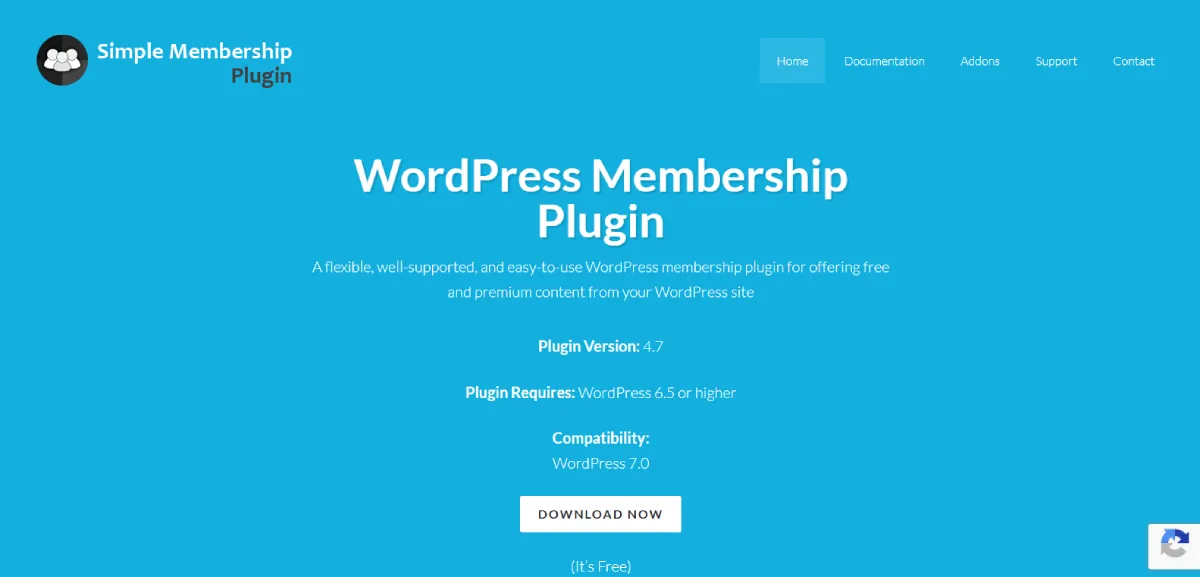
Simple Membership is a lightweight and beginner friendly membership plugin business owners who want a simple way to protect their premium content and manage members.
As the name suggests, Simple Membership plugin stood out for its simplicity. The setup is quick, the interface is clean and it focuses only on core membership features without overwhelming you with advanced configurations.
That said, it’s best only for small sites or basic membership setups rather than large scale or highly customized platforms.
Key Features:
- Unlimited membership levels.
- Protects pages, posts, custom post types and categories along with partial content protection.
- Integrates with PayPal, Stripe and Braintree payment gateways.
- One time or recurring payment.
- Easy user management.
- Force strong passwords.
- Offers customers a free trail.
- Developer API.
Pros:
- Super easy to install, use and navigate.
- 10% free to get started.
- Lightweight.
- Flexible access levels.
Cons:
- Limited built-in integrations.
- Manual setup for advanced features.
Pricing: Simple Membership is 100% free. Plus, for advanced features, you can get premium addons.
Why We Recommend: Simple Membership is a great starting point for beginners who want to create a basic membership site without investing upfront.
SureMembers

SureMembers is a modern WordPress membership plugin here that boasts fast content restriction without slowing down your site. So, it’s a best-fit for creators who want a clean, fast and no-bloat solution for protecting content on WordPress.
What stood out during testing is its simplicity and performance. It focuses on doing the core job extremely well – content restriction. Plus, it works especially well when combined with tools from the same ecosystem like SureCart.
However, compared to full fledged membership platforms, it can feel a little limited if you need advanced monetization or deep automation.
Key Features:
- Members-only downloads.
- Flexible access control.
- Block-Level Protection.
- Content restriction and content dripping.
- Automation with OttoKit.
- Simple member management.
- Advanced reporting and analytics.
Pros:
- Easy to use
- Excellent drip content.
- Modern payment integrations including Stripe, PayPal, Lemon Squeezy and Crypto via Surecart.
Cons:
- Now an all-in-one membership solution.
- Dependent on the “SureSuite” ecosystem.
Pricing: SureMembers offers a free core plugin and the premium starts from $69/Year. (yet renewal starts from $99)
Why We Recommend: SureMembers is a solid choice if you want a simple, modern and fast membership plugin. It’s perfect for creators and small businesses who only need content protection and a smooth user experience. But if you’re planning to grow with advanced features, a more powerful solution like ARMember would be a better fit.
WishList Member

WishList Member is one of the robust membership plugins in the WordPress ecosystem. It is well-known for its flexibility and deep customization options.
It proved to be a powerful solution for making complex membership sites with multiple levels, access rules and integrations. Best of all, this membership plugin supports a wide range of tools.
Key Features:
- Unlimited membership levels.
- Flexible content protection and content dripping.
- Easy to use tools for member management.
- Smoothly connects with services like MailChimp and ActiveCampaign to send automatic notifications.
- Integration with multiple LMS systems.
Pros:
- Easy setup and customization.
- Easily protects pages, posts and custom posts.
- 20+ payment gateways.
- Highly flexible.
- Excellent support and documentation.
Cons:
- The user interface feels outdated.
- Expensive licenses + still limited to a certain number of sites.
- While easy to start, it gets tricky as you set advanced features.
- Not developer friendly; the code is encrypted so no custom code changes.
Pricing: WishList Member is a premium plugin so no free version. The paid plan starts from $149.50/year. (Renewals start from $299/Year).
Why We Recommend: WishList Member is a great pick for those who are looking for flexibility and control over their membership setup. It works well for advanced use cases where customization matters.
MemberMouse
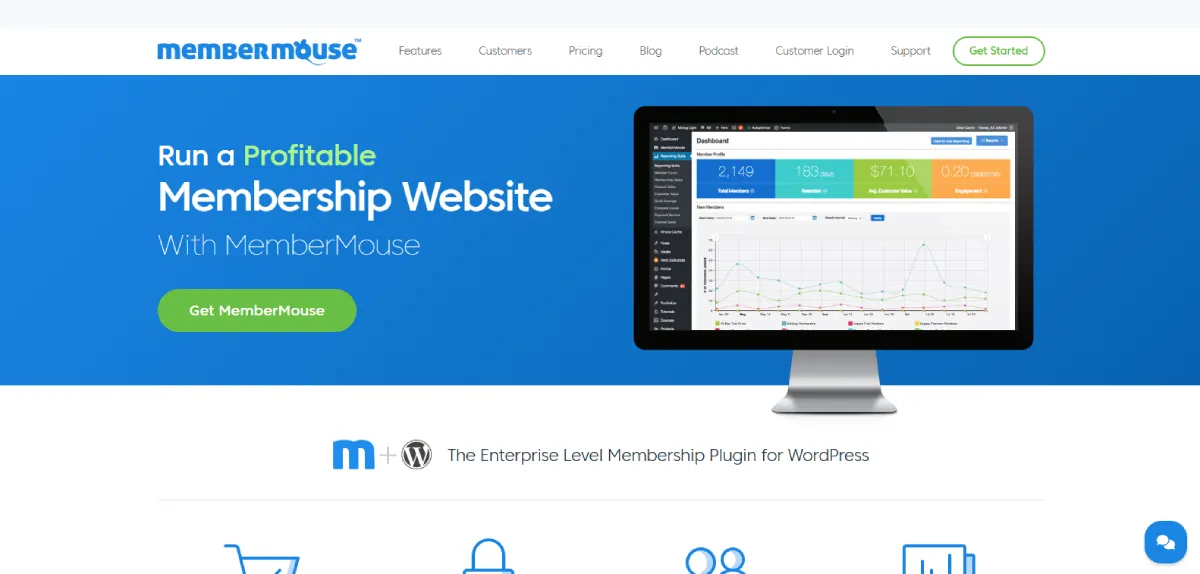
MemberMouse is another one of the powerful membership plugins around here. It goes beyond basic memberships and focuses heavily on sales optimization, retention, and advanced customer management.
The best part is its ability to handle complex membership setups with ease such as upsells, downsells, one-click purchases and detailed customer insights. Thus, it feels more like a business tool than just a plugin.
Key Features:
- Protected members areas.
- Flexible membership levels.
- Self service portal for members to manage their accounts.
- Full analytics and reporting suite.
- Employee access control.
- 7 email integrations including ConvertKit, Drip and ActiveCampaign.
Pros:
- Advanced built-in analytics like lifetime customer value and churn reporting.
- Excellent self-service options.
- Highly flexible due to SmartTags.
- Robust affiliate management.
Cons:
- Can be overwhelming for beginners.
- Complicated to setup without tech knowledge.
- It is too costly.
Pricing: MemberMouse has no free version and the paid plan starts from $149.50/year (Renewal starts from $299/Year)
Why we Recommend: MemberMouse is only a good option if you are running a large or fast growing membership site. This plugin offers the depth and control needed. But, for beginners or simpler setups, tools like ARMember steals the spotlight.
aMember Pro
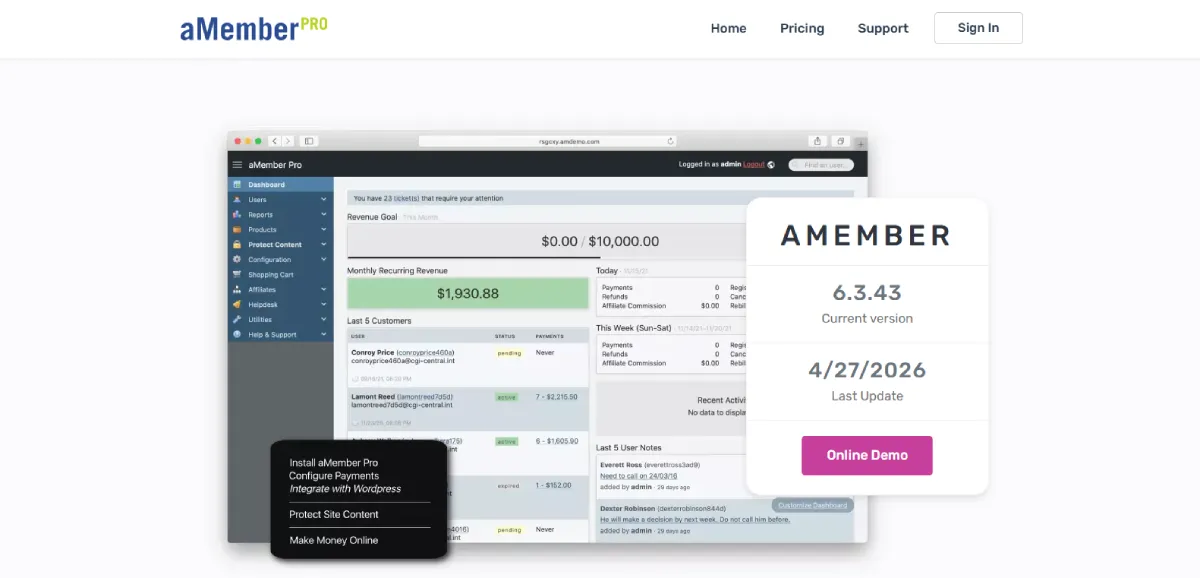
aMember Pro is a flexible membership solution for advanced users who need deep customization and control over their membership systems.
What makes aMember Pro make it into this list is it has been around for years and focuses heavily on stability and flexibility. During testing, it handled complex subscription rules, multi-level memberships, and integrations quite effectively. That said, its interface feels outdated, and the setup process can be challenging for beginners yet a heaven for developers.
Key Features:
- Open Source.
- Unlimited membership levels.
- Members-Only Area.
- Translated to 22 languages.
- Integrates with popular mailing lists services like MailChimp, AWeber, GetResponse and 40+ more.
- 50+ pre-configured reports.
- Over 100 payment systems like Stripe, PayPal, and more.
Pros:
- Extremely flexible.
- Developer friendly as open source.
Cons:
- Very complicated to set up and manage for beginners.
- Outdated admin interface.
- May have some integration issues with WordPress.
Pricing: aMember Pro is not free to go. The license price starts from $149 for one time.
Why we Recommend: aMember Pro is a great choice for advanced tech-savvy people who need complete control and flexibility in their membership setup.
Final Verdict: What is The Best Membership Plugin for WordPress?
There’s no single “perfect” membership plugin for everyone, and that’s exactly where most guides go wrong.
The best plugin depends on how you plan to run your business, not just what features look good on paper.
Because in real world usage, WordPress membership plugins are responsible for:
- managing subscriptions and recurring revenue.
- controlling content access and user experience.
- handling payments and automation reliably.
And if any of these break, your complete business crumbles down.
In fact, modern membership plugins are no longer just about locking content—they now power subscriptions, tiered access, automation, and full business workflows.
So, what is the best membership plugin for WordPress?
If you want a membership solution that is a perfect balance of user friendliness and advanced features, ARMember stands out as the best WordPress membership plugin.
Take a look below and see it yourself why ARMember is the best membership plugin for WordPress:
- Covers both beginner and advanced use cases.
- It comes packed with 57+ in-built addons.
- Works across business models. (Online courses, content, digital downloads, communities)
- Offers strong automation, integrations and monetization flexibility.
Most importantly, ARMember performs well when real users start interacting with your membership site, not just during setup.