

Still managing appointments through endless emails and phone calls? That’s costing you time, and possibly customers.
A good online booking system can solve this right away by automating your complete scheduling process. It lets you accept bookings 24/7, show real time availability, secure online payments, send automatic notifications, and a lot more. While many tools promise these features, only a few deliver.
Now, WordPress doesn’t come with an in-built appointment booking system, but, who’s stopping you from installing one? There are dozens of booking plugins inside WordPress’ rich ecosystem.
To save you time, we tested and compared the top options and picked the 6 best WordPress appointment booking plugins worth considering.
Why Do You Need an Appointment Booking Plugin?
If you’re still managing appointments via phone calls, emails or paper diaries, you’re leaving money, time and potential clients on the table.
In 2026, an online appointment booking plugin automates your appointment scheduling completely. From allowing your clients to book outside business hours, to online accepting payouts in advance, a WordPress booking plugin handles everything – with zero coding.
Getting a good WordPress appointment booking plugin for your service business can help with:
24/7 Availability (You Never Miss a Lead)
Your business may close at 6PM, but your customer’s schedule doesn’t. Even research shows more than 46% of appointments are scheduled after business hours. Thus, a booking plugin acts as your 24/7 virtual receptionist, accepting online bookings from anywhere, anytime.
Saves Hours Every Week
No more time consuming phone calls, endless email chains nor juggling Google Spreadsheets or paper dairies. You can automatically share your real time availability.
Lowers No-Shows
Missed appointments are missed revenue. Modern booking plugins automatically send email and SMS reminders to clients 24 hours (or 1 hour) before their appointment. This simple automation dramatically cuts down on no-shows and last minute cancellations.
Zero Scheduling Errors (No Double-Bookings)
Managing appointments in paper diaries or Google Spreadsheets means booking errors and conflicts. A WordPress booking plugin, on the other hand, connects with your calendar directly to show real time availability. If a slot is booked, it’s gone (or simply unable to select for customers)
Increased Revenue Opportunities
With options such as deposit, upselling extra services, and service packages, you can skyrocket your sales right away. Plus, it also makes booking experience easy and worth it.
Valuable Business Data and Insights
Stop guessing which services are popular, or which staff members work the best. Most WordPress appointment booking plugins come with advanced analytics dashboards that show you your busiest days, revenue, most booked staff members and many more important metrics, to grow your business with data-driven decisions.
6 Best WordPress Appointment Booking Plugins in 2026
1. BookingPress
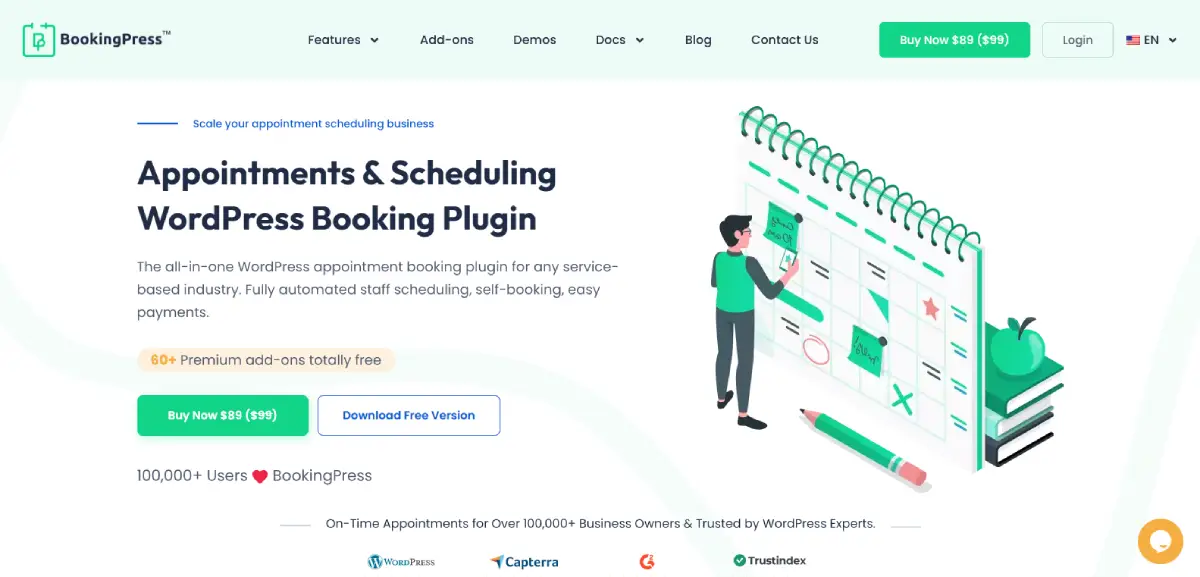
BookingPress is the best WordPress appointment booking plugin in the entire WordPress ecosystem, offering over 60+ premium addons including 20+ payment gateways. The user interface is smooth, fast and easy to navigate. You can create fully custom booking forms with extensive styling options.
Standout Features
- Flexible booking rules.
- Two-way sync bookings across Google, iCal and Outlook Calendars.
- Accept on-site or online payments, full or deposit, via 20+ payment gateways + POS System.
- Advanced staff management.
- Automatic notification via Email, SMS, WhatsApp and Telegram.
Pros:
- Quick to setup with a smart setup wizard.
- Modern, user friendly interface.
- Multiple staff members and locations.
- Fully customizable booking form.
Cons:
- May be overwhelming for beginners.
- Needs a premium plan to get advanced features .
Price: BookingPress has a generous free version with unlimited appointments. Its premium plan starts from $89/Year only.
2. WooCommerce Bookings
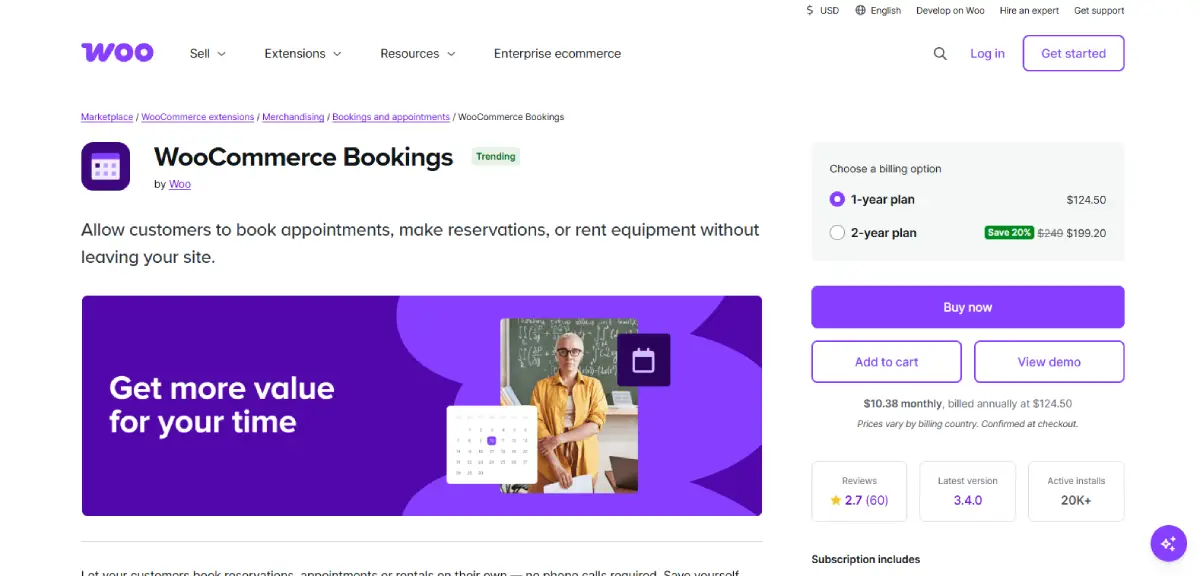
WooCommerce Bookings is a premium WordPress booking extension, especially for WooCommerce store owners who want to sell time or date-based services. Plus, it lets you manage everything from appointments to hotel rooms and equipment rentals with zero coding, right inside WooCommerce.
Standout Features:
- Deep WooCommerce ecosystem integration.
- Dynamic pricing.
- Robust resource management.
- Automatic confirmation and reminders.
- Time zone support.
Pros:
- Unified dashboard.
- Multilingual compatible.
- Highly customizable availability rules.
Cons:
- Expensive.
- Limited frontend styling.
- Steep learning curve.
Price: WooCommerce Bookings has no free version. The premium plan starts from $249/Year.
3. WP Simple Booking Calendar
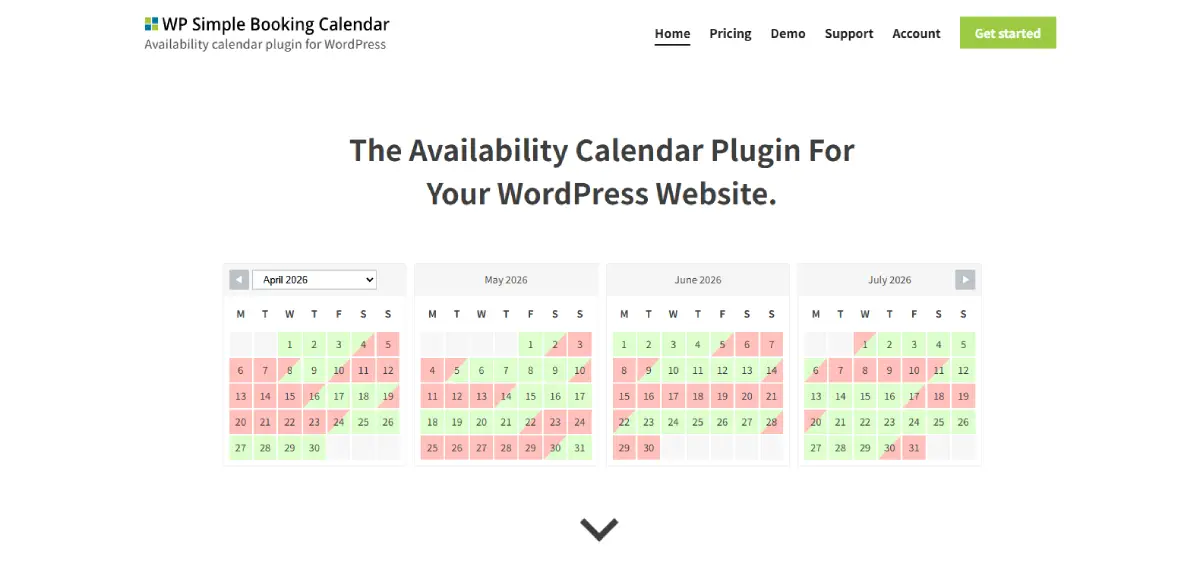
WP Simple Booking Calendar is another best WordPress appointment booking plugin. As its name suggests, this plugin comes with a simple user interface, so even beginners can use it. No complicated booking rules, no steep learning curve at all. It’s best for holiday rentals, bed and breakfasts, and equipment rentals where clients just need to see if a date is open.
Standout Features:
- iCal Synchronization.
- Custom legend icons.
- Bulk date editor.
- Easy user management.
- Supports over 30+ languages.
Pros:
- Easy to use.
- Lightweight.
- Responsive design.
- Easy to add calendar anywhere on WordPress site.
Cons:
- No payment gateways.
- Limited free version.
- No hourly bookings.
Price: WP Simple Booking Calendar has a free version in the WordPress plugin directory. The paid plan starts from $39/Year.
4. Bookly
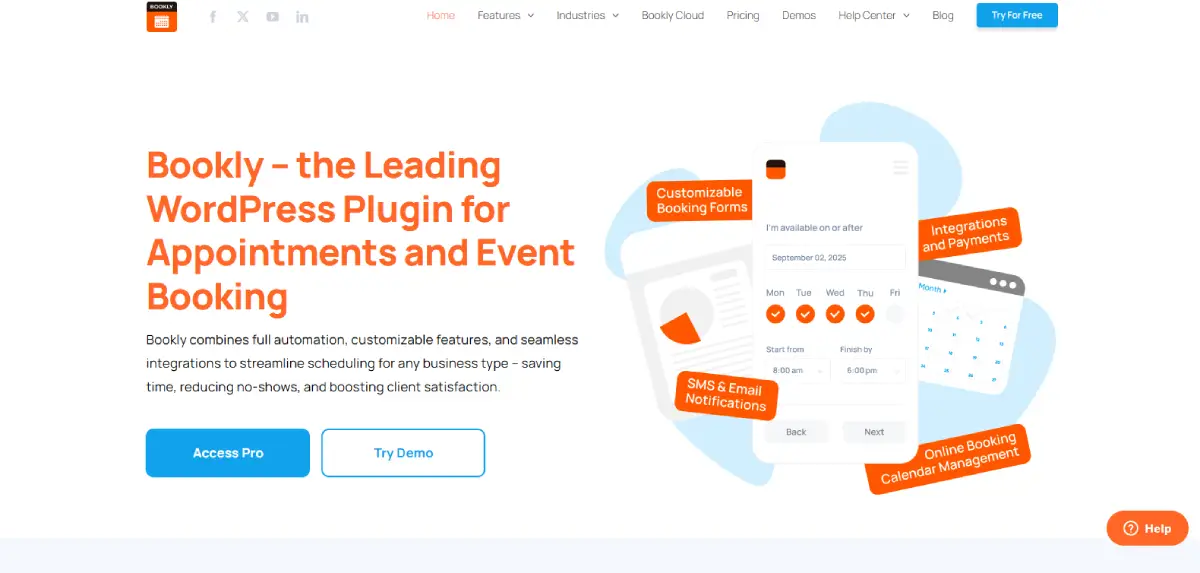
Looking for a WordPress appointment booking plugin that’s super flexible? Then, Bookly is worth the try. This plugin automates every aspect of a reservation system by using a modular approach that allows businesses, from medical clinics to beauty salons, to start with a core system and add advanced features as needed.
Standout Features:
- Over 40+ addons to extend core features.
- Advanced staff management.
- Automatic notifications via Email, SMS and WhatsApp.
- Customizable booking form.
- Calendar synchronization.
Pros:
- Highly customizable appearance.
- Easy to scale as your business grows.
- Modern admin interface.
Cons:
- Price creep; While the Pro version is reasonably priced, individual addons, cost between $15–$49 each, quickly makes setup expensive.
- Configuration can be complex for beginners.
Price: Bookly comes with a free version to get started, and the pro version starts from $49/Year.
5. Simply Schedule Appointments
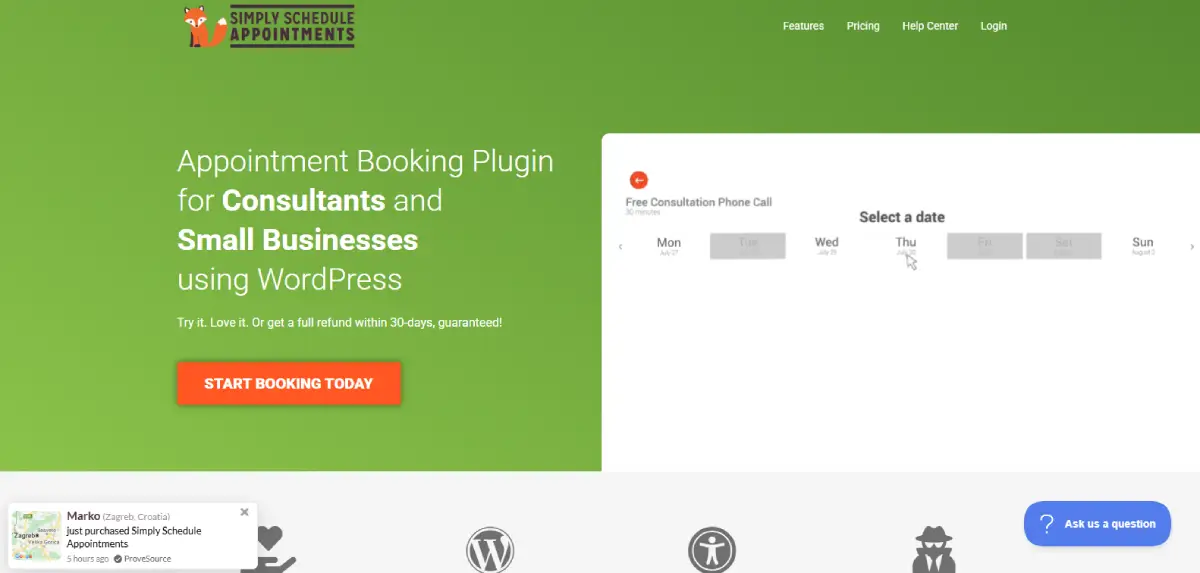
Simply Schedule Appointments is one of the most user friendly appointment booking plugins for WordPress. It comes with unlimited customizable booking calendars that integrate with Google Calendar, Stripe, PayPal and multiple page builders with ease.
Standout Features:
- 5-minutes setup wizard.
- Advanced availability rules.
- Deep Google Calendar sync.
- Modern user interface.
- Advanced customizations.
Pros:
- Superior user experience for both admin and client.
- Excellent customer support.
- Extremely easy to use.
Cons:
- Limited free version.
- No multi-location support.
- Higher costs for advanced features.
Price: Simply Schedule Appointments has a basic version to get started. The paid plans start from $99/Year. (Renewal price starts at $129/Year)
6. Amelia
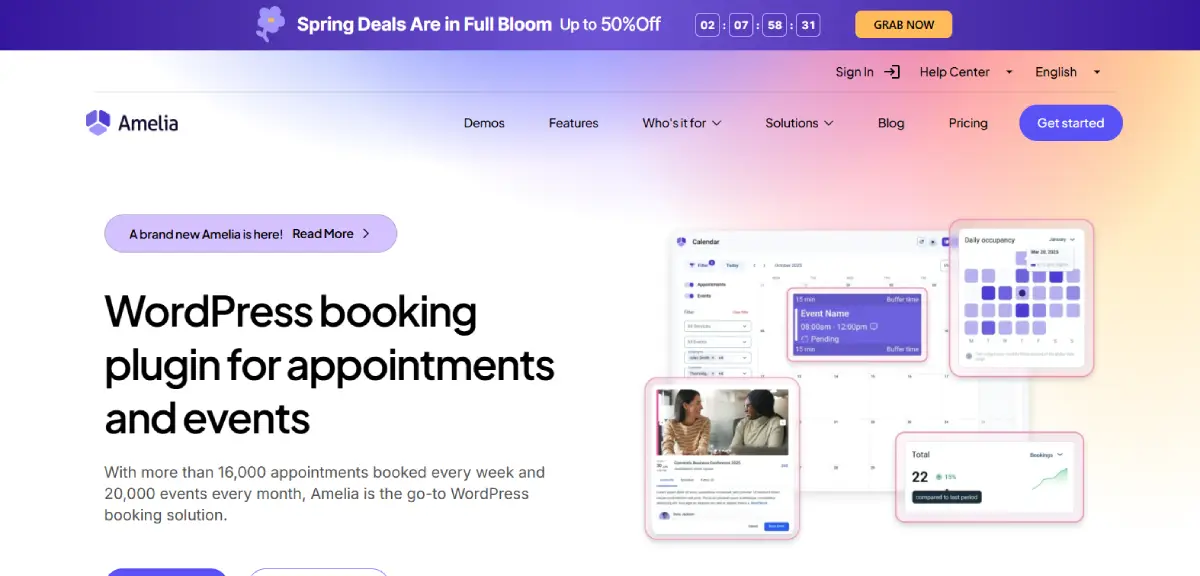
Amelia is a well-known WordPress booking plugin which boasts its enterprise-level features. It lets you manage both appointments and events, and the best part is almost all advanced features are in its premium plans out of the box.
Standout Features:
- Resource management.
- Front-end customer and employee panels.
- Automatic waiting lists.
- Flexible scheduling & recurring appointments.
- Automatic notifications via SMS and WhatsApp.
Pros:
- Professional-looking user interface.
- Deep integrations with multiple payment gateways, Zoom, Google Calendar, and more.
Cons:
- Heavyweight plugin; can slow down your site.
- Limited free version.
- Two-way sync lags sometimes.
- No Multi-Service Cart (unlike BookingPress).
- Limited event customization.
Price: Amelia offers both, a free version and a premium version that starts at $79/Year.
Conclusion
In a nutshell, managing appointments manually in 2026 is practically impossible if you wanna scale your service business. Although WordPress itself doesn’t come with a online booking system, you can always get one from its rich ecosystem of plugins.
Among the top WordPress appointment booking plugins, BookingPress stands out as the excellent choice thanks to its 60+ premium addons and friendly user interface. With a centralized analytics dashboard, advanced staff management, secure 20+ online payment gateways and fully custom booking form, BookingPress provides businesses with a powerful booking solution for the WordPress sites.
Whether you run a salon, spa, fitness studio, consultancy, coaching center, rental store, or any other service-business, BookingPress has all the robust features you need to grow your business.
FAQs
What is the best booking plugin for WordPress?
BookingPress is the best booking plugin for WordPress due to its robust set of 60+ premium addons and user-friendly interface. You can easily manage unlimited appointments, create your own booking form, manage staff members and accept online payment via 20+ payment gateways.
How to add appointment booking in WordPress?
Install a native WordPress appointment booking plugin like BookingPress, Bookly or WP Simple Booking Calendar to add appointment booking in WordPress. After you installed your booking plugin, run the setup wizard, set your availability, add services and embed your booking form in your WordPress site.
How to automate appointment scheduling?
You can easily automate appointment scheduling by using a WordPress appointment scheduling plugin such as Simply Schedule Appointments and BookingPress.
How do I add a booking calendar to a website?
You can add a booking calendar to your WordPress website by using a WordPress booking plugin like Bookly, BookingPress, and WP Booking Calendar. It lets you create your own booking calendar form, and add it to your website using a simple shortcode.
Is it easy to add a booking plugin on WordPress?
Yes, Of Course! Adding a booking plugin to WordPress is easy, even for beginners. Most modern plugins like Amelia, Simply Schedule Appointments and BookingPress are designed to be “plug-and-play”, so the setup barely takes more than 10 minutes with zero coding.
Does WooCommerce have a booking system?
WooCommerce does not have a booking system in the free core version, but you can add it by using its premium paid extension – WooCommerce Bookings that costs $249/Year only.