

WordPress plugins can solve crucial problems or implement a new feature with ease. Many of them are quick to install, but their impact on performance, compatibility, and maintenance can vary widely.
However, some plugins can actually harm your website’s performance. Poorly coded ones can conflict with themes, slow page loads, and introduce avoidable maintenance issues.
WP Engine’s 2024 review highlights how plugin-related inefficiencies can impact performance, with features like dynamic plugin loading reducing page size by more than 30% on average.
That’s why we’ve taken the time to scour the market to determine the WordPress plugins specifically made for developers to improve your workflow and website.
Here’s what you’ll get from this guide:
- Plugins that speed up development workflows
- Tools to debug and fix performance issues
- Solutions to reduce plugin bloat
- Practical use cases for each plugin
4 Best WordPress Plugins for Developers
When it comes to WordPress plugins, we’re looking for “live service,” meaning they are updated regularly with stability improvements and enhanced functionality. We’ll also aim to include only plugins that are compatible with the latest version of WordPress, WordPress 6.7. Maintaining this strict level of technical stability ensures your website never crashes right when a massive B2B opportunity lands on your contact page.
Advanced Custom Fields (ACF)
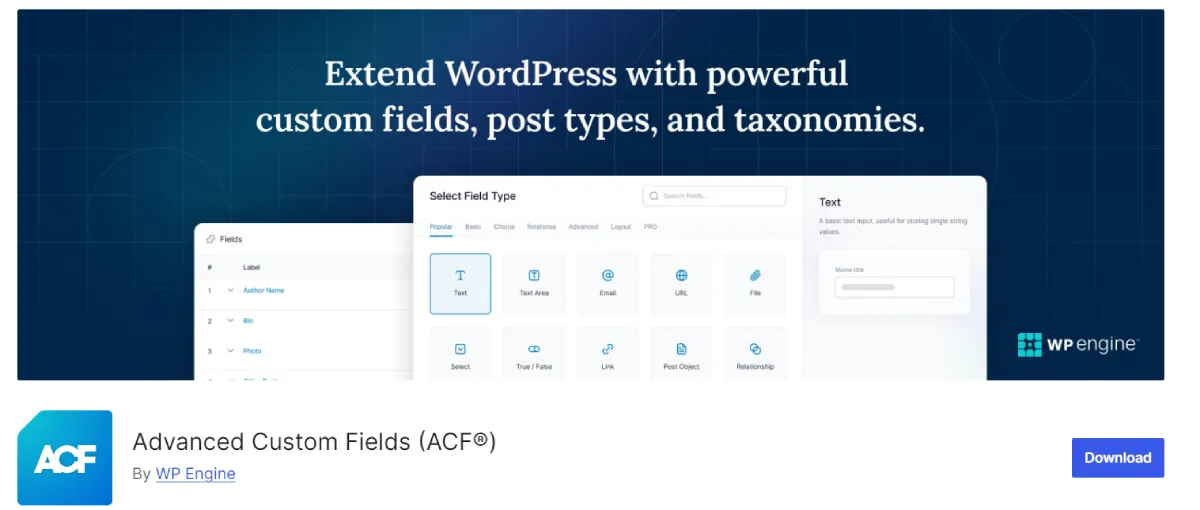
ACF is a powerful tool that improves WordPress as a content management system. It allows you to add custom fields and taxonomies without coding everything yourself.
This plugin offers around 30 additional field types to add to your pages. It’s a great choice for developers because it has extensive documentation and a large community that can help you with any barriers you encounter.
An ideal use case would be adding additional e-commerce functionalities to your online store. For example, you may have unique items or delivery options, such as same-day delivery courier services, for which you want to create a different page than the one your theme provides.
A powerful feature of ACF is the ability to show or hide fields based on conditional logic. This can significantly simplify the UI and improve user experience. ACF works best when you need structured content control without having to build a custom plugin from scratch.
ACF works well for structured content management, but it has limits. Projects that require complex frontend interactions, API-driven architecture, or dynamic rendering may be better served by a custom plugin or headless WordPress setup – or by moving toward custom web development services that offer greater flexibility and scalability.
Compared to full custom plugins, ACF significantly reduces development time but limits flexibility when building complex application logic. For most content-driven projects, it strikes a practical balance between speed and control.
Key Features:
- The PRO version comes with a powerful PHP-based framework
- Speeds up development time for your website
- Customizable fields
Pricing

While plugins like ACF focus on building structured functionality, debugging tools help you identify and fix issues once your site is live.
Debug This
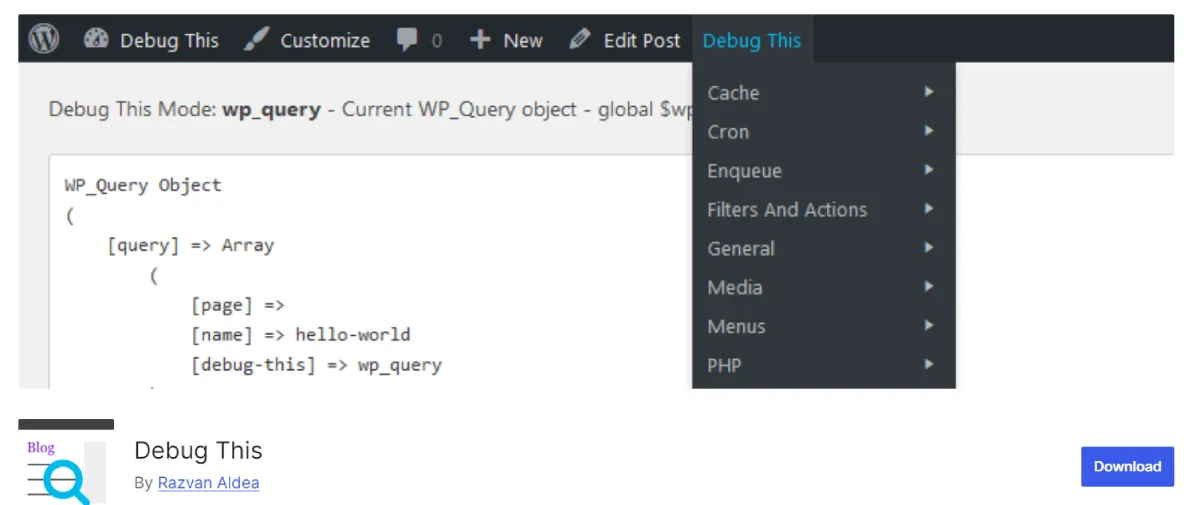
Regardless of what your website is supposed to do, some problems will eventually occur. Of course, the more traffic you have, the more trouble you’ll have. This is why it’s essential to have tools such as Debug This to diagnose any problems quickly.
WordPress itself provides you with a lot of information on your website. However, Debug This goes a step further. You can use it to rewrite rules, check blog info, see the current WP_query object, and conduct several other actions.
For example, suppose your website has been slower than usual lately, and there hasn’t been an increase in traffic. You can use the Debug This feature in the admin bar to check queries and see long-running, excessive, or unindexed ones.
Once identified, trace the source and fix the issue. This makes Debug This more suitable for troubleshooting sessions than continuous monitoring.
Unlike full monitoring tools, Debug This is not designed for long-term performance tracking. Instead, it provides immediate visibility into issues during development or debugging, making it more targeted but less comprehensive.
In practice, Debug This helps identify slow database queries, diagnose plugin conflicts, and track unexpected changes in page rendering. Developers can inspect query loads and pinpoint where performance bottlenecks occur without guessing.
Key Features:
- Helpful for maintenance, development, and customer support needs
- Provides you with extensive information on your website
- Helps you troubleshoot your website
Pricing

When debugging isn’t enough to resolve deeper issues, reset tools provide a clean way to start over.
WP Reset
We’ve all been there. Something somewhere has gone wrong on your WordPress website, and you don’t know what it is.
As developers, we all know that hitting the reboot button is truly the best solution more often than we’d care to admit.
WP Reset applies that principle to your WordPress database, instantly reverting it to its default installation values without modifying any files. Because this removes core database content, it should only be used in staging environments or after creating a backup.
WP Reset deletes posts, pages, custom post types, comments, media entries, users, all default WP database tables, and all custom database tables with the click of a button.
This enables plugin and theme developers to reset settings and test and debug their work quickly and efficiently.
Despite its usefulness, WP Reset should not be used in live production environments without proper safeguards. Resetting a live database can result in irreversible data loss if snapshots or backups are not properly configured. It is best reserved for staging environments or controlled testing workflows.
Compared to manual database cleanup or migration tools, WP Reset is faster but less granular. It prioritizes speed over precision, which makes it useful for testing but less suitable when selective data retention is required.
However, you don’t have to worry about losing your website, as the snapshot buttons allow you to restore it to the version you like. Just don’t forget to take regular snapshots.
Key Features:
- Hassle-free reset for your website
- Snapshots and recovery
- Great for debugging
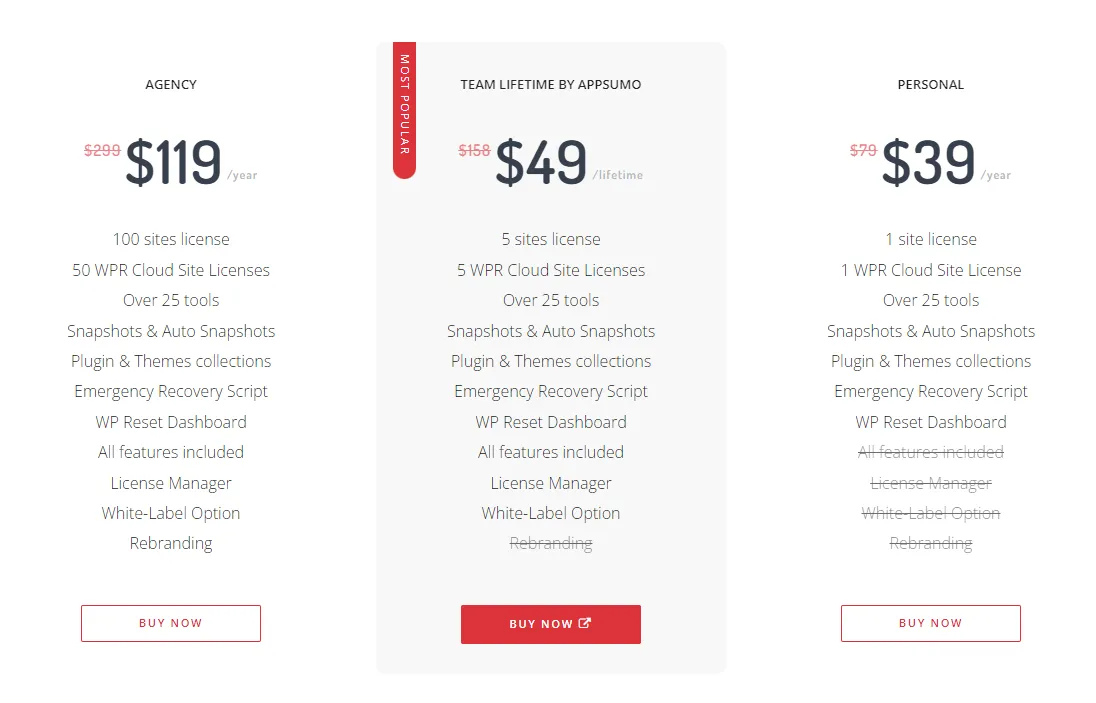
Pricing
Code Snippets
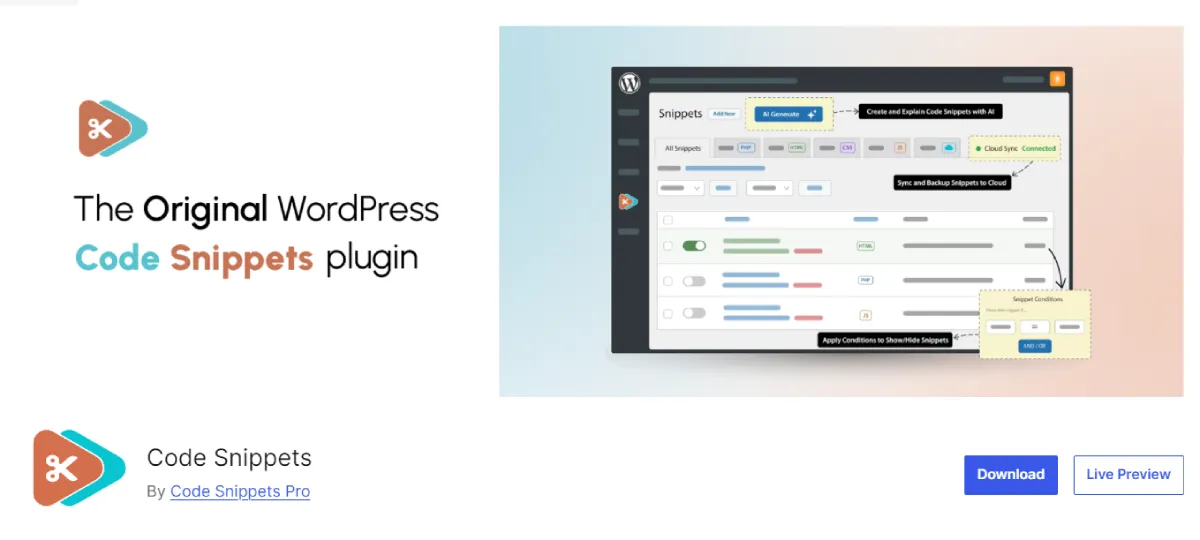
Code Snippets is a plugin that allows you to create plugins. More precisely, it will enable you to write code snippets that can be a substitute for whole plugins. This approach reduces plugin bloat and keeps your website more optimized, which is particularly beneficial for React-based or performance-focused setups.
By reducing reliance on multiple single-purpose plugins, Code Snippets helps limit unnecessary database queries and script loading. This can improve overall page speed and reduce maintenance complexity, especially in projects where performance is a priority.
Compared to installing multiple plugins, this approach gives developers more control over execution and reduces dependency conflicts. However, it requires a stronger understanding of PHP and WordPress hooks.
It’s designed for developers and website administrators and is user-friendly. Some features include syntax highlighting, error handling, and turning snippets on or off individually.
Furthermore, the PRO version has additional functionalities, including conditional logic, execution tracking, and cloud backups for advanced snippet management.
Key Features:
- Add and manage PHP code snippets without modifying PHP files
- Organize snippets with titles and descriptions
- Turn snippets on or off individually
Pricing

How to Choose the Right WordPress Plugin as a Developer
According to the SEO Power Plays newsletter, choosing the right plugin goes beyond marketing needs or feature lists. Before committing to any tool, evaluate long-term maintainability, performance impact, and compatibility with your existing stack.
Update frequency and developer support are the first things to check. Plugins that aren’t actively maintained can introduce security vulnerabilities or break compatibility with newer WordPress versions. That’s technical debt that compounds fast.
Performance deserves its own audit. Some plugins load unnecessary scripts or run redundant database queries, which slows your site as traffic grows. In performance-critical projects, a lightweight alternative or a custom implementation will often outperform a feature-heavy plugin that does more than you need.
Scalability is another variable that gets overlooked during initial setup. A plugin that handles a small site cleanly may degrade under high traffic, complex workflows, or large product catalogs. Test at scale before you need to.
Before any live deployment, run plugins through a staging environment. You get a controlled space to catch conflicts, verify stability, and confirm behavior within your specific stack. Skipping this step is one of the more common sources of production issues in WordPress development.
Choose the Best WordPress Plugins for Your Website
Even the simplest plugins can benefit your website. You should explore the aspects of your website that can be improved, whether security, performance, or features, and find the best plugin.
It’s essential to check the user reviews and active installations for any plugin you’re considering and ensure that it has continuous developer support. Outdated, obsolete, or incompatible plugins can cause more harm than good for your website.
As a developer, your role can span writing code, building the website, and maintaining it. Plugins help you streamline tasks and solve problems as they come up, whether you’re optimizing performance or supporting features like same-day delivery courier services.
Plugins don’t determine workflow efficiency on their own. Theme structure, performance optimization, and WooCommerce compatibility all affect how quickly you can build and scale projects.
D-Themes offers WordPress and WooCommerce solutions built for developers, including performance-focused themes and flexible customization options that reduce development overhead. If you want a more stable foundation alongside the plugins covered here, their ecosystem is worth exploring.