

Canva is one of the most popular design tools today. If you have ever needed to make a Facebook cover or an Instagram post, you probably used the tool.
But how about when it comes to building a powerful, recognizable brand? Well, Canva does have their logo maker tool and a Brand Kit creator. But some people may find it lacking, especially for those looking for more niche and specialized designs or those looking for a more comprehensive solution.
That’s where Canva alternatives come in.
In this guide, we’ll break down the top Canva alternatives for branding, focusing specifically on logo makers, brand identity tools, and consistency across assets. We also tested these tools to ensure that you get the best among the best.
Let’s get on to the list.
1. Design.com (Best Overall for Branding)
Summary:
- Design Quality: 10/10
- Strengths:
-
-
- Largest logo library
- Logos are high-quality and on-brand
- Once you create a logo on the site, the styling will automatically apply to all materials that you will do, making it easy to get visually cohesive designs
- Also offers a wide range of branding templates (business cards, websites, social media graphics, flyers, etc.)
- AI first mindset helps save so much time, especially with the AI chat editing that can do edits for you instead of doing it manually
- AI tools are super quick and gives thousands of options, unlike other tools that can provide a dozen max
- Minimal learning curve with powerful outputs
-
- Weakness:
-
-
- Web-based only, no native app yet
-
- Pricing:
-
- Free templates are available for download
- Paid plans unlock premium templates (starts at $9)
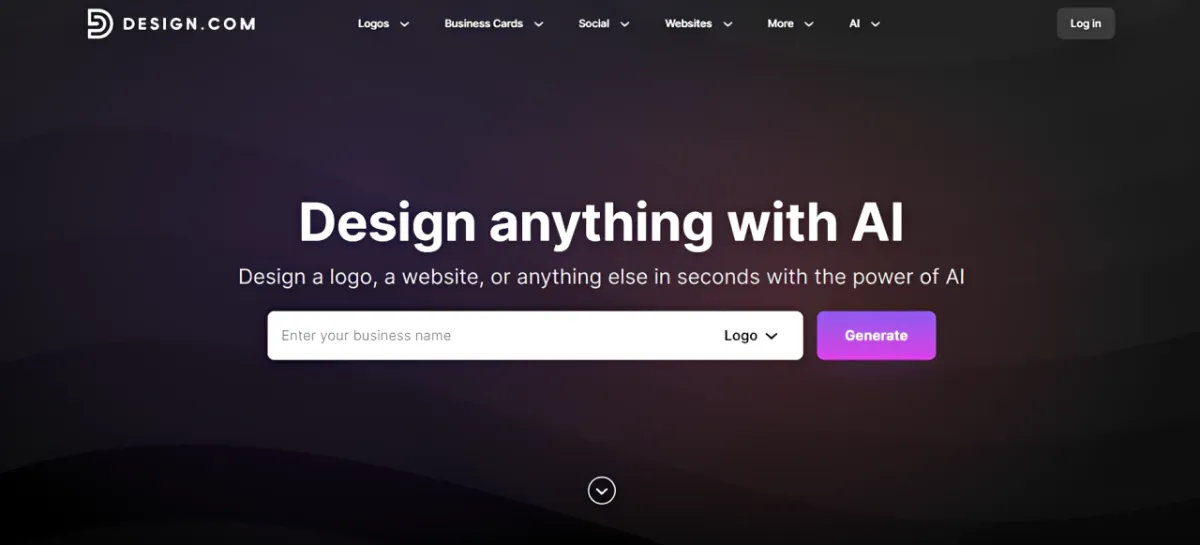
Design.com is the best Canva alternative for branding in 2026 as it offers a complete, all-in-one solution that goes far beyond simple design.
Unlike Canva, which treats branding as an add-on feature, Design.com is built entirely around it.
Its logo maker lets you create a logo and automatically apply its styling, such as colors and typography, to any material you create.
This ensures that your materials will always look visually on-brand without having to do it from scratch.
Even their business name generator tool will also show a potential logo design so you can easily visualize the name as a brand. That is something rarely offered in most design platforms!
Design.com also takes their logos seriously. They have the biggest logo library amongst competitors with over 400k+ design.
Quality is also top-notch: they use their own exclusive library of fonts and icons to create designs, so it’s inherently more unique and less “stock-library” unlike other tools. Their logos are also industry and keyword-focused (rather than just generalized one), so you can find fitting logos whether it’s for a money-saving app or an urban dance studio.
Here are some sample logos for a sample real estate company called Pinnacle Properties.
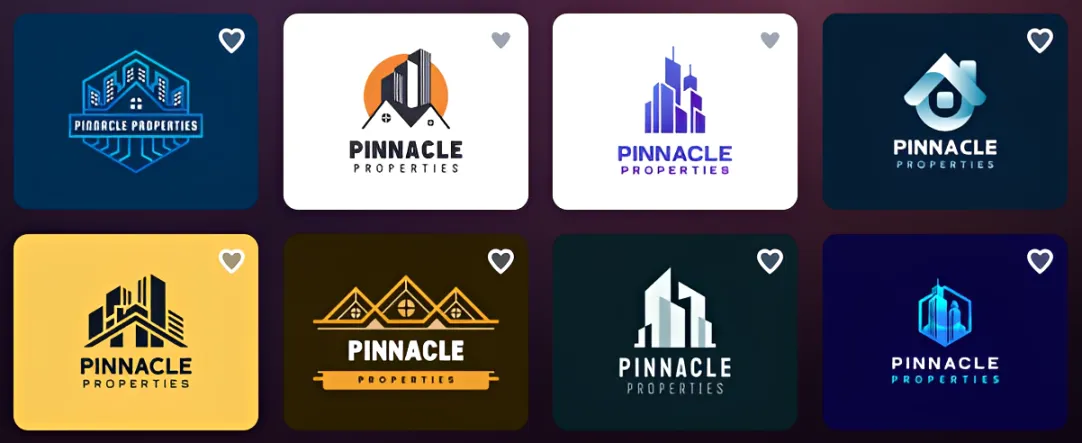
As you can see, the platform smartly used a house as the main visual point, which is fitting for a real estate company. It also kept the look clean, structured, and geometric, which gives it a more professional feel. But you can still see some variety, like a logo that uses a fun pop of yellow or the more rounded and abstract-shaped house, should you want something more playful than the usual minimalist logos seen in the industry.
Then here is the samples from Canva:
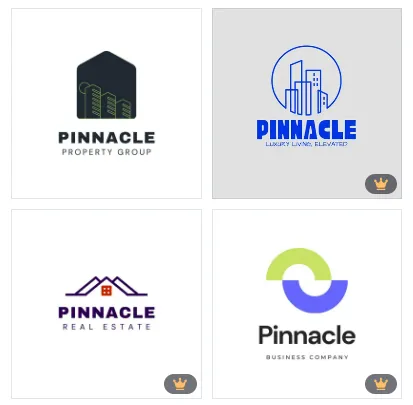
It’s not bad, but it’s definitely way simpler compared to Design.com. There’s also less variety in terms of layout, color, and structure. There are also less logo options, which can be too limiting.
Should you use Design.com? Yes, especially if you find the logos in Canva too basic or lacking, and want something more specifically aligned with your brand identity.
2. BrandCrowd
Summary:
- Design Quality: 9/10
- Strengths:
-
-
- Extensive logo design library
- Stylish, creative, and modern designs, doesn’t seem like templates
- High-quality outputs suitable for business use even with minimal editing
- Easy to use editor but leaves enough room for users to granularly customize the design
- Offers other branding templates such as business cards, email signatures, websites, etc.
-
- Weakness:
-
-
- Limited AI tools compared to Design.com
-
- Pricing:
-
- Free templates available for download
- Subscription required to download premium templates
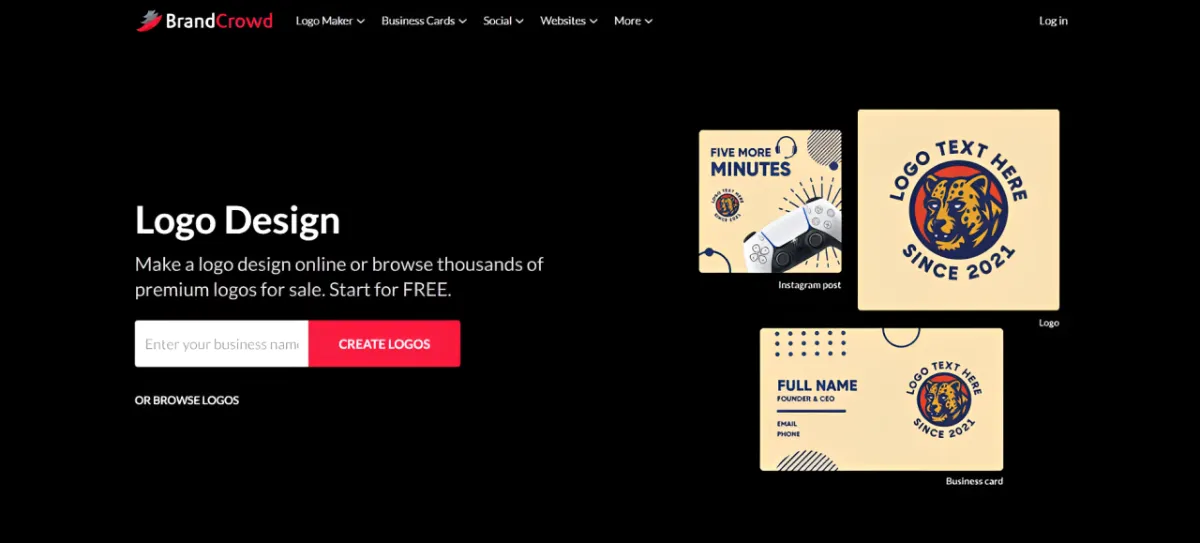
BrandCrowd is a strong second choice, especially for users focused primarily on getting a strong visual identity.
It offers a massive library of professionally designed logos that are available in various styles like minimalist, modern, retro, abstract, 3D, mascot, and more. They offer more creative layouts and refined icons here compared to Canva, which makes their logos feel more premium and not just a basic cookie-cutter logo. So if you want something that can be used immediately for business (and not just a placeholder), then BrandCrowd is the way to go.
Should you use BrandCrowd? Yes, if you find the logos in Canva not visually appealing or creative enough.
3. Adobe Express
Summary:
- Design Quality: 8/10
- Strengths:
-
-
- Strong creative flexibility, provides more granular editing options compared to Canva
- Seamless integration with the Adobe ecosystem, so if you are already using Adobe tools this should be easy to use
- Access to Adobe library, so you can use high-quality fonts, stock photos, icons, and more
- Great designs to choose from
-
- Weakness:
-
-
- Less focused on branding cohesiveness and automation compared to Design.com
- Smaller logo library
-
- Pricing:
-
- Free plan available, though it comes with limited features
- Premium plan unlocks additional assets and features, which starts at $9.99
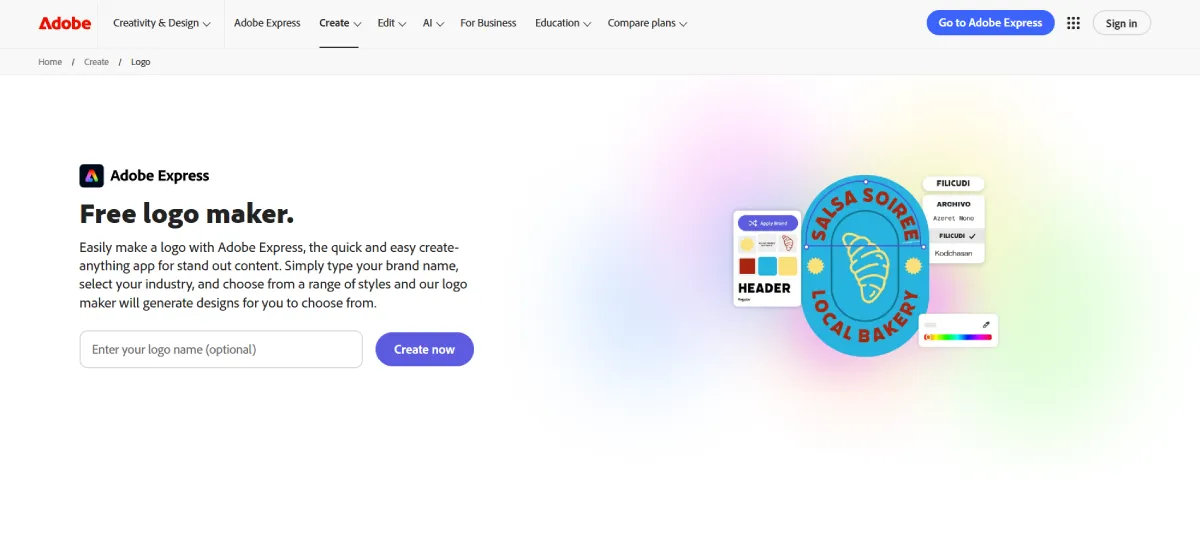
Adobe Express offers a more creative and flexible approach to editing, while still keeping it simple.
Like Canva, it offers an easy drag and drop interface and a good range of customizable templates. However, they offer more options for granular editing (adjusting the angle of shadow, changing the corner shape of an icon, etc.) plus more built-in editing features compared to Canva.
However, they are not as branding focused as Design.com or BrandCrowd. They do offer a logo maker and a Brand Kit creator, but it’s not as cohesive or automated as the two. So if branding is your main priority, Design.com is still a better option.
Should you use Adobe Express? Yes, if you want more comprehensive editing features and tools compared to Canva. It’s also a great option for users who already use Adobe tools
4. Desygner
Summary:
- Design Quality: 7.5/10
- Strengths:
-
-
- Easy-to-use drag-and-drop editor, similar to Canva
- Solid brand kit features for colors, fonts, and logos
- Wide range of templates for social media and marketing
- Supports collaboration, making it useful for teams
-
- Weakness:
-
-
- Less advanced branding automation compared to Design.com
- Templates can feel generic or generalized, feels too “template”
- Limited logo creation depth compared to branding-first tools
-
- Pricing:
-
- Free plan available with basic features
- Paid plans unlock premium templates and brand features, starts at $12.95
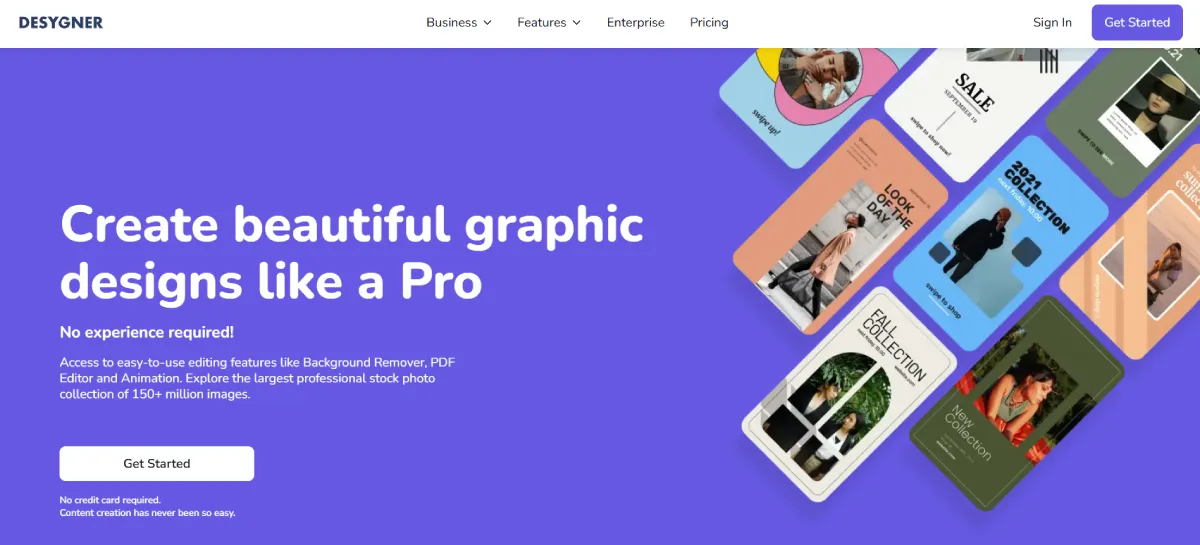
Desygner offers a balanced mix of branding and general design capabilities, making it a solid Canva alternative for users who want more control over their brand visuals.
Like Canva, it uses a drag-and-drop editor and provides a wide selection of templates. However, it goes a step further with built-in brand kit features that help maintain consistency across designs. This makes it easier to apply your brand colors, fonts, and logos without starting from scratch each time.
However, it doesn’t match the automation and cohesiveness of Design.com. You’ll still need to manually ensure consistency across assets, and its logo creation tools aren’t as robust as platforms like BrandCrowd.
Should you use Desygner? Yes, if you want an easy-to-use design tool with decent branding features.
5. VistaCreate
Summary:
- Design Quality: 7.5/10
- Strengths:
-
-
- Large template library for social media and marketing content
- Includes animation and video features
- Solid designs
- Beginner-friendly and easy to navigate
-
- Weakness:
-
-
- Limited logo creation tools compared to other platforms
- Less comprehensive branding system overall
- Focused more on content / social media than brand identity creation
-
- Pricing:
-
- Free plan available with limitations
- Paid plans unlock premium templates, animations, and features. Starts at $13/month.
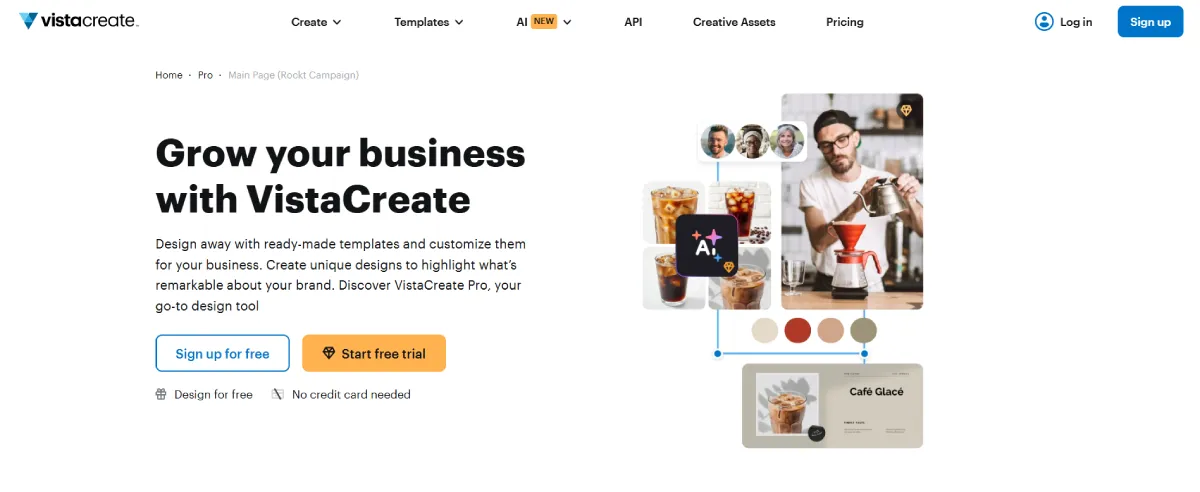
VistaCreate is a content-first design platform that also includes branding tools, making it a good Canva alternative for users focused on producing consistent visual content (particularly on social media).
Similar to Canva, it offers a large selection of templates and an intuitive editor. It also includes a decent brand kit functionality, allowing you to apply your brand colors and fonts across designs.
However, like Canva it falls short when it comes to building a brand from scratch. They do have a logo maker but its features and designs are limited, and it lacks the deeper branding systems found in tools like Design.com or even BrandCrowd.
Should you use VistaCreate? Yes, if your main goal is to create branded content quickly and consistently, rather than develop a full brand identity.
6. Wix Logo Maker
Summary:
- Design Quality: 7/10
- Strengths:
-
-
- Guided logo creation, can answer via chat and AI will generate
- AI is fast and easy to use
- Created logo can be easily integrated into your Wix website
- Affordable entry point
-
- Weakness:
-
-
- Logos are too basic
- Limited customization options
- Not a full branding platform
-
- Pricing:
-
- Free to download
- Payment required to download high-resolution version of your logo
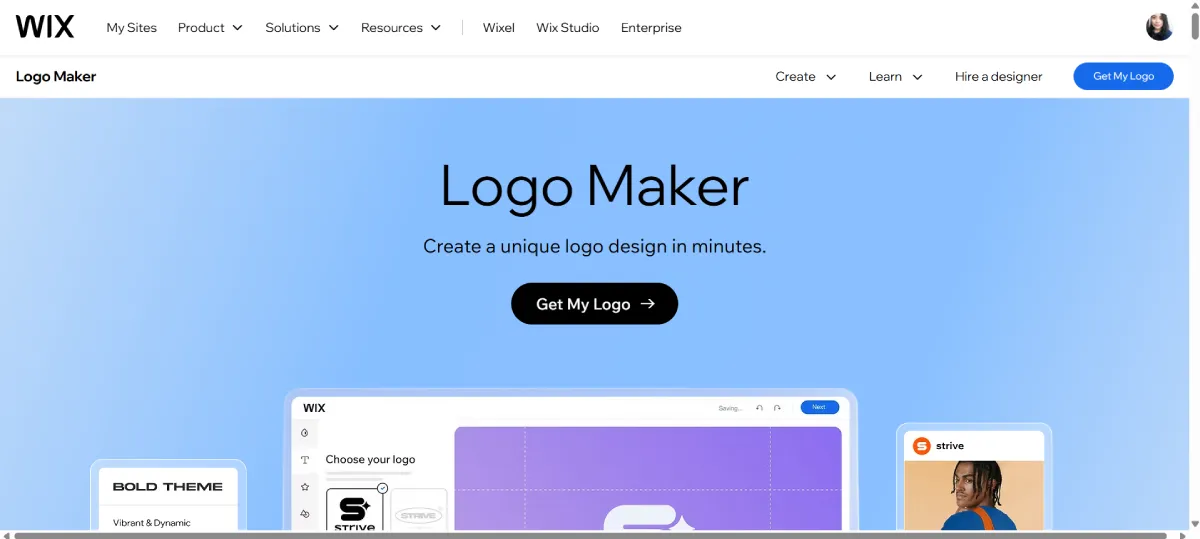
Wix Logo Maker is a beginner-friendly tool designed specifically for logo creation and basic brand identity. Wix offers an AI chat to help guide users on creating the logo by asking them questions about their brand, preferences, and more. From there it will generate logos that are suitable to your input. This makes it easy for users who have no clear vision of their logo yet to get started.
However, Wix Logo Maker has limited library and design assets compared to Design.com or Canva. The logos can be too simple. They also don’t offer much in terms of social media graphics, posters, presentations, and the such. So they are not as comprehensive. But still we find it a solid option for users who want a quick and easy logo without the hassle.
Should you use Wix? Yes, if you want a guided chat or if you are planning to build a site on Wix.
Final Thoughts
If your goal is to go beyond basic design and build a strong, consistent brand, Canva isn’t always enough.
Among all the tools we tested, Design.com clearly stands out as the best Canva alternative for branding. Its ability to combine logo creation, automated branding, and a large library of marketing assets into one seamless platform makes it the most efficient and scalable option available.
BrandCrowd is a strong second choice for visual-focused branding, while Adobe Express, Desygner, VistaCreate, and Wix Logo Maker each serve specific use cases.
The right tool ultimately depends on your needs but if branding is your priority, then Design.com offers a clear upgrade over Canva.
FAQs
What is the best Canva alternative for branding in 2026?
Design.com is the best Canva alternative for branding in 2026. Unlike Canva, which focuses on general design assets, Design.com offers a complete branding system from logo creation to brand kit creator, making it more efficient and cohesive for building a professional brand.
Which tool is best for creating logos and brand identity?
Design.com and BrandCrowd are the top choices. Design.com is better for full brand systems and automation, while BrandCrowd is excellent if your main focus is creating a stylish logo quickly.
Can these tools fully replace Canva for branding needs?
Yes, most of these tools can replace Canva for branding and in many cases, they do a better job. Platforms like Design.com go beyond Canva by automating brand consistency and offering more specialized branding features.
What should I look for in a branding-focused design tool?
Look for tools that offer logo creation, brand kits (colors, fonts, assets), consistency across designs, and automation. The ability to apply your branding across multiple formats quickly is what separates strong branding tools from basic design platforms.
Are there free Canva alternatives for branding and logo design?
Yes, several tools offer free plans or free downloads, including Design.com, BrandCrowd, Adobe Express, Desygner, VistaCreate, and Wix. However, most advanced branding features like high-resolution logo downloads or full brand kits are typically reserved for paid plans.